





Running payroll manually is one of the biggest time-drains for any small or medium-sized business. Between calculating salaries, handling deductions, staying tax-compliant, and making sure everyone gets paid on time — payroll is complex, repetitive, and painfully error-prone without the right tools.
If your business runs on WordPress, you’re in luck. There’s a growing ecosystem of WordPress payroll plugins that let you manage your entire payroll process directly from your WordPress dashboard — no spreadsheets, no external software subscriptions, no manual headaches.
But not every payroll plugin is created equal. Some are feature-rich but bloated. Others are lightweight but too limited for growing teams. And a few simply aren’t maintained well enough to trust with something as critical as employee pay.
In this guide, we’ve done the research for you. We’ve reviewed the 5 best WordPress payroll plugins for SME business owners, breaking down their key features, pros and cons, pricing, and who each one is best suited for. By the end, you’ll have a clear recommendation to move forward with confidence.
Let’s dive in.
Why You Should Use a Payroll Plugin for WordPress
Before we get into the list, it’s worth addressing the obvious question: why manage payroll inside WordPress at all?
Here are a few compelling reasons:
- Centralized operations. If your HR data, employee records, and accounting already live in WordPress (or are managed through WP plugins), adding a payroll solution to the same dashboard eliminates the need to juggle multiple platforms.
- Cost efficiency. Dedicated payroll SaaS platforms can cost hundreds of dollars per month. A WordPress payroll plugin typically offers a one-time or low annual fee, making it far more affordable for SMEs.
- Data ownership. With a WordPress-based payroll solution, your payroll data stays on your own server — not locked in a third-party cloud platform you don’t control.
- Automation saves time. The right payroll plugin automates salary calculations, deductions, tax handling, and pay runs — saving your HR team hours every pay cycle.
- Seamless integration. WordPress payroll plugins often integrate directly with HR and accounting modules, giving you a unified view of employee costs and financial reporting.
Now, here are the best options on the market today.
Best WordPress Payroll Plugins for SME Business Owners
This is the list of the best WordPress Payroll Plugins that we are going to discuss in this blog:
- WP ERP
- Pay Check Mate
- WP-HR Manager
- HR Management Lite
- WPHRM
Now, let’s get into the details!
1. WP ERP
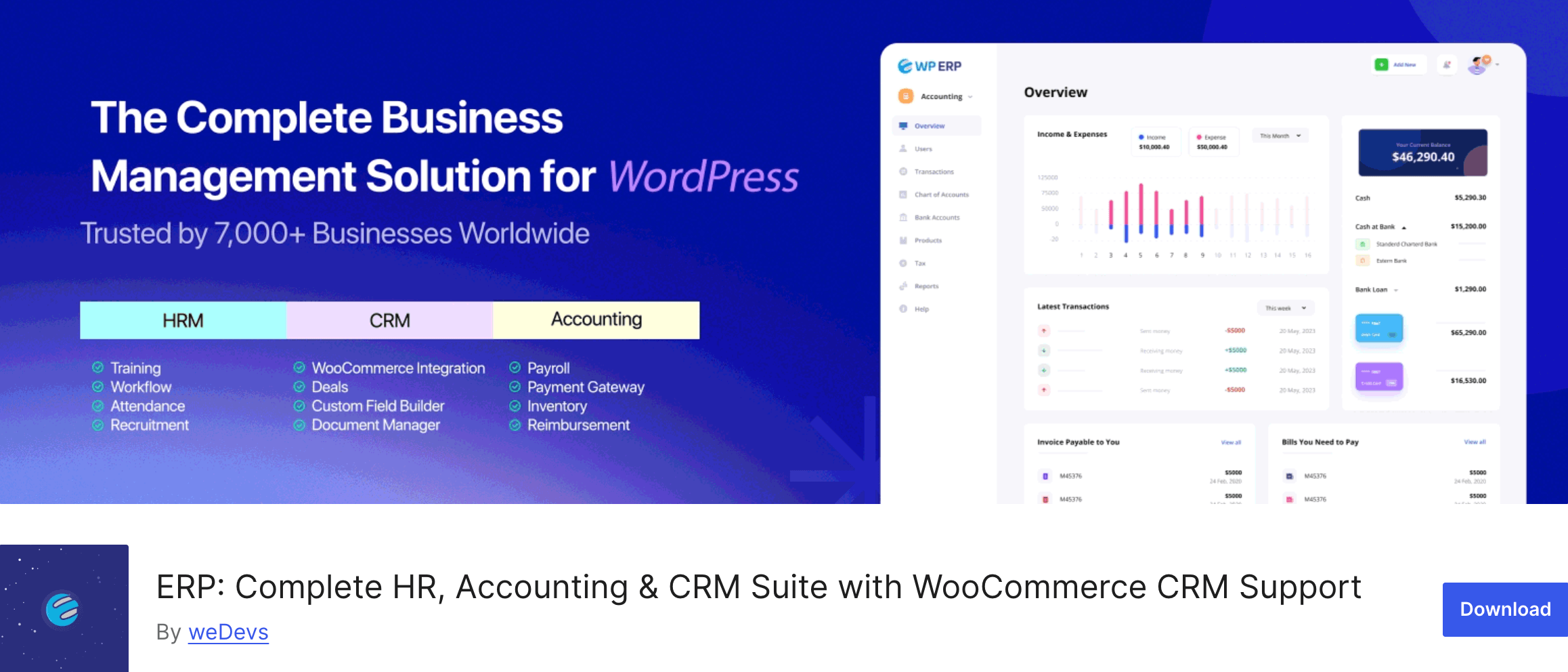
WP ERP’s Payroll Extension is the most comprehensive payroll solution built natively for WordPress. It’s part of the broader WP ERP ecosystem — a full-featured business management platform that includes HR management, CRM, and accounting in a single WordPress plugin suite.
The Payroll extension enables business owners and HR managers to manage employee salaries, define pay items, create pay calendars, run automated pay cycles, and generate detailed payroll reports — all from within the WordPress admin dashboard.
It’s purpose-built for small and medium-sized enterprises that want a centralized, automated, and scalable payroll solution without leaving WordPress.
What sets WP ERP apart from every other option on this list is its deep integration with its own HRM and Accounting modules. Employee designations, department structures, and profile data flow seamlessly into the payroll system, which means zero duplicate data entry.
The accounting entries are also automated, so every salary disbursement is recorded accurately without any manual bookkeeping.
Key Features
- Payroll Dashboard – A bird’s-eye view of total expenses, pay calendars created, approvals, previous month spend, pay run history, and payroll insights — all from a single page.
- Employee Payroll Profiles – Set fixed allowances, deductions, and tax information per employee directly from their profile.
- Pay Items – Create custom pay item types (allowances or deductions) and let the system calculate and apply them automatically.
- Pay Calendars – Build weekly, bi-weekly, or monthly pay calendars. Assign calendars by designation or department. Approve, edit, or remove as needed.
- Pay Runs – Initiate salary payments on specific dates. Add variable allowances or deductions per pay run. Supports session-based running (weekly, bi-weekly, or monthly).
- Payroll Reports – Generate salary reports by employee, department, or time period to inform HR and finance decisions.
- Salary Invoices – Print or export salary invoices per employee as CSV for record-keeping and sharing.
- HRM + Accounting Integration – Department and designation data sync from the HRM module. Every pay run automatically creates accounting entries.
Pros
- Deep native integration with WP ERP’s HRM and Accounting modules
- Full payroll automation from profile setup to disbursement
- Supports custom allowances and deductions per employee
- Clean, intuitive dashboard with real-time insights
- Pay calendars are flexible — weekly, bi-weekly, monthly
- Salary invoices exportable to CSV or printable
- Actively maintained with regular updates
- 14-day no-questions-asked refund policy
Cons
- Requires the WP ERP core plugin (free) as a foundation
- Full functionality available on paid plans
Price
The WP ERP Payroll extension starts at $9.49. Bundled plans under WP ERP Pro offer greater value with access to multiple modules including HRM, Accounting, and Payroll together. A 14-day money-back guarantee is included.
Who Should Use WP ERP – Payroll?
WP ERP’s Payroll extension is ideal for SMEs that are already using or planning to use WordPress as their business operations hub.
If you need an integrated payroll, HR, and accounting solution without the overhead of multiple SaaS tools, this is the one to beat. It’s especially powerful for businesses that want payroll to connect directly with employee records and financial reporting.
2. Pay Check Mate

Pay Check Mate is a free, open-source WordPress payroll management plugin available on the official WordPress.org plugin repository. It offers a solid set of payroll management features designed to simplify the payroll process for businesses of all sizes.
It’s a lightweight and user-friendly option, particularly suited to small businesses or organizations just starting to digitize their payroll.
Key Features
- Unlimited employee creation
- Single employee profiles per staff member
- Payslip generation for each employee
- Unlimited salary head creation (custom pay categories)
- Payroll register and payroll ledger
- Report generation
Pros
- Completely free and open source
- Easy to set up with a straightforward admin interface
- Available directly on WordPress.org — easy to install and update
- Supports unlimited employees and salary heads
Cons
- Lacks advanced automation features like scheduled pay runs
- No built-in accounting or HRM integration
- Limited reporting depth compared to premium solutions
- Relatively new plugin with a smaller community and fewer reviews
- No dedicated customer support
Price
Free. Available on WordPress.org with no paid tier currently listed.
Who Should Use Pay Check Mate?
Pay Check Mate is a good starting point for very small businesses or solopreneurs who need basic payroll record-keeping and payslip generation without any budget. If you’re just getting started and your payroll needs are simple, it works. However, growing teams will quickly outgrow its capabilities.
3. WP-HR Manager
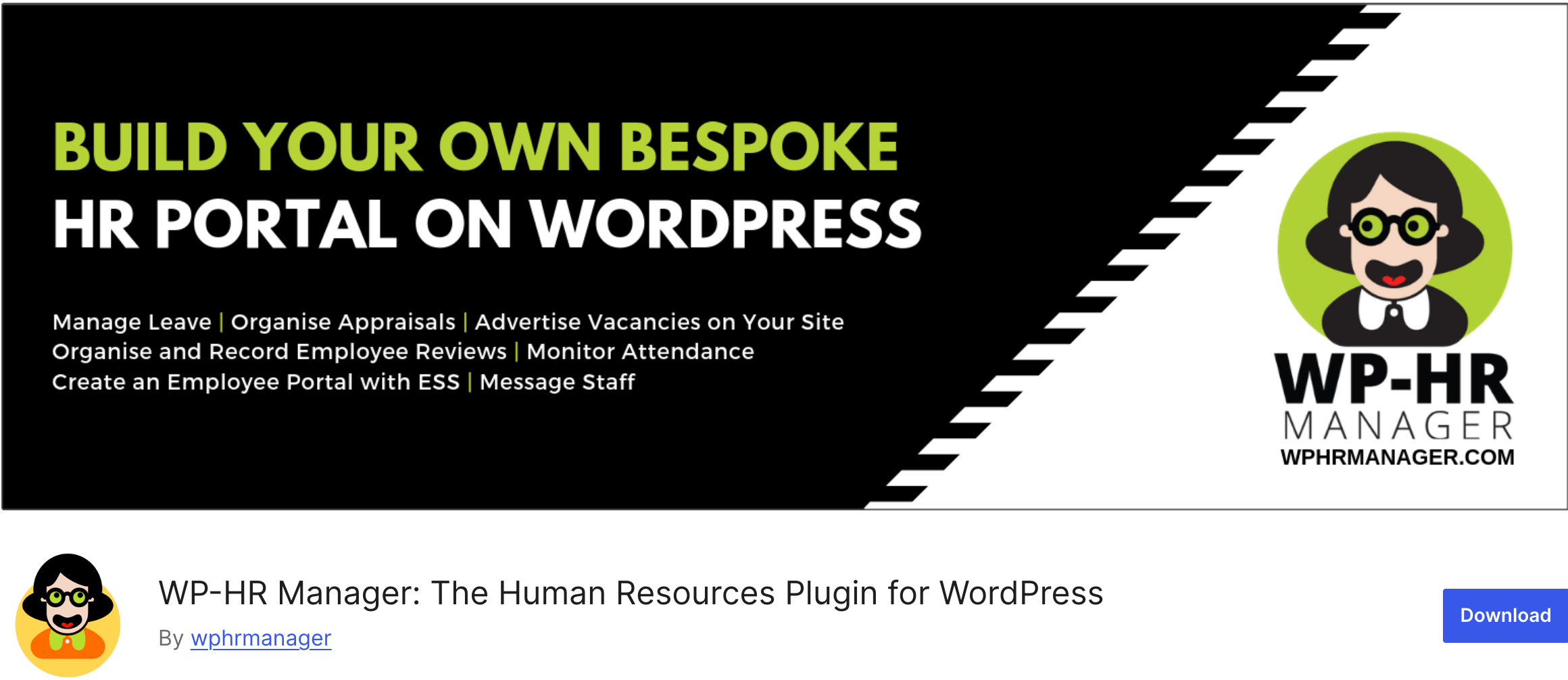
WP-HR Manager is a well-established HR management plugin for WordPress, designed to turn your WordPress site into a full HR information system (HRIS). It’s ideal for small and medium-sized businesses that need an employee self-service (ESS) portal alongside HR and payroll management tools.
The free core plugin handles the essentials, while paid extensions unlock advanced functionality including payroll, attendance, and more.
Key Features
- Employee self-service (ESS) portal for remote-friendly teams
- Employee profile management (personal details, attendance, salaries)
- Leave and holiday management with multi-policy support
- Payroll management with automatic salary calculations based on working hours and deductions
- Tax compliance tracking and payroll reports
- WooCommerce payroll integration for eCommerce businesses
- GDPR-compliant data management
- Mobile app for employee clock-in/clock-out (Pro version)
- Multi-language support
Pros
- Strong HR foundation with ESS functionality — great for remote teams
- Available on WordPress.org with a solid free tier
- Well-reviewed with an active community
- GDPR-compliant — useful for businesses operating in Europe
- Extends well through add-ons
Cons
- Payroll and attendance features are locked behind paid extensions
- Some features offered for free in competing plugins require add-on purchases here
- Payroll capabilities are secondary to the HR focus
- JavaScript errors noted in recent compatibility tests with WordPress 6.8
Price
The core plugin is free. Paid extensions start at approximately $9.99/month, with bundle pricing available.
Who Should Use WP-HR Manager?
WP-HR Manager is best suited for small to medium-sized businesses that prioritize HR management and need payroll as a supporting feature rather than the primary function. It’s also a strong pick for businesses with remote or distributed teams that would benefit from a self-service HR portal and WooCommerce store owners who need payroll support.
4. HR Management Lite by Weblizar
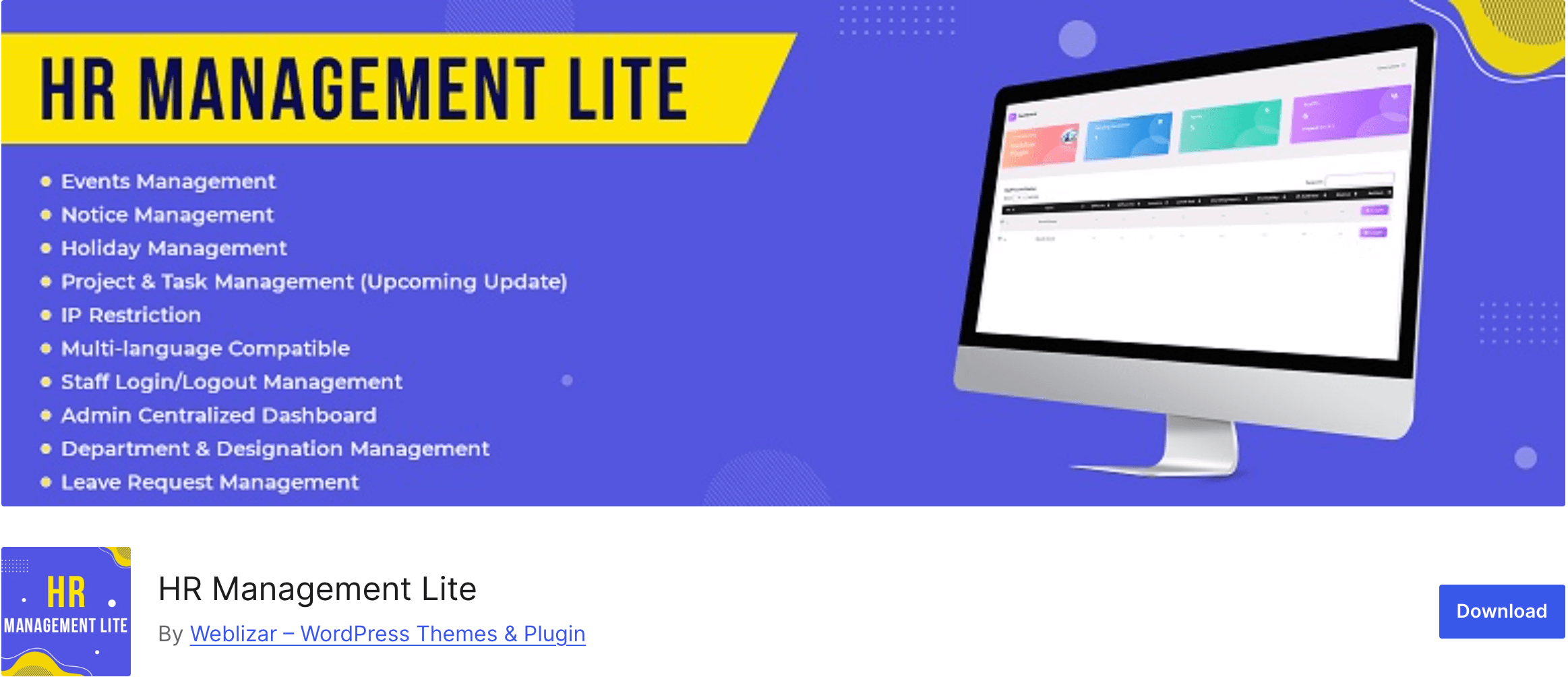
HR Management Lite is a free WordPress HR plugin by Weblizar that covers a wide range of employee management functions — including payroll. It’s designed for small businesses and corporations looking to manage staff activities from a centralized WordPress admin dashboard.
The plugin covers departments, designations, attendance, shifts, payroll, events, notices, and more.
Key Features
- Payroll management with monthly salary reports
- Staff working hours tracking (daily and monthly)
- Hourly and monthly basis salary management
- Department, designation, and shift management
- Event, notice, and holiday management
- Logged-in IP info and IP restriction for staff
- Leave request management
- Project and task management (limited in free version)
- Email template customization
Pros
- Free tier covers a broad range of HR and payroll functions
- Good for businesses needing combined HR + payroll management in one plugin
- Attractive and responsive admin dashboard
- Includes IP restriction and geo-location features for attendance security
Cons
- Known PHP errors and compatibility issues reported by users (PHP 8.1 deprecation notices)
- Limited community reviews — only 2 reviews on WordPress.org
- Form field bugs reported in free version
- Pro version required for many advanced features
- Not ideal for businesses needing deep payroll automation
Price
Free (Lite version). Pro version pricing available on the Weblizar website with additional HR and payroll features unlocked.
Who Should Use HR Management Lite?
HR Management Lite works for budget-conscious small businesses that need a basic all-in-one HR and payroll plugin and don’t mind working through some rough edges.
If your needs are foundational — tracking attendance, managing leave, and processing monthly salary records — it can get the job done. That said, businesses with reliability requirements should proceed with caution given the reported compatibility issues.
5. WPHRM

WPHRM is a premium WordPress HR and payroll management plugin designed specifically for startups and small-to-medium-sized enterprises (MSMEs).
Unlike most other options on this list, WPHRM is not available on the WordPress Plugin Directory — it’s distributed directly through the WPHRM website. It offers an advanced payroll management system alongside a full suite of HR tools, with a 30-day free trial available for new users.
Key Features
- Advanced payroll management with automated calculations
- Salary slip generation per employee
- Employee benefits, deductions, and tax management
- Attendance and income reports
- Employee records management (personal info, salary, leave history)
- Custom user roles and permissions
- Recruitment and onboarding tools
- Customizable reporting
Pros
- Comprehensive feature set covering both HR and payroll in a single plugin
- 30-day free trial — low-risk way to evaluate
- Highly responsive customer support (email and WhatsApp)
- Actively updated and maintained
- User-friendly interface designed for non-technical users
Cons
- Not available on WordPress.org — requires downloading from WPHRM.com
- Recurring subscription pricing model
- Smaller plugin community compared to WordPress.org-listed alternatives
- Less transparent integration documentation for third-party tools
Price
WPHRM operates on a subscription model with a 30-day free trial. Pricing details are available on wphrm.com.
Who Should Use WPHRM?
WPHRM is a solid fit for startups and MSMEs that want a dedicated, well-supported HR and payroll plugin with hands-on customer service. The 30-day trial removes the risk of committing upfront, and the WhatsApp support channel makes it unusually accessible for smaller teams who need quick answers.
Best WordPress Payroll Plugin — Our Verdict
We’ve covered five solid options across different price points and feature levels. Now let’s put them side by side.
| Feature | WP ERP Payroll | Pay Check Mate | WP-HR Manager | HR Management Lite | WPHRM |
|---|---|---|---|---|---|
| Pay Calendars (Weekly/Bi-weekly/Monthly) | ✅ Yes | ❌ No | ❌ Limited | ❌ Monthly only | ✅ Yes |
| Automated Pay Runs | ✅ Yes | ❌ No | ❌ Limited | ❌ No | ✅ Yes |
| Custom Allowances & Deductions | ✅ Yes | ✅ Yes | ✅ Yes | ✅ Basic | ✅ Yes |
| Tax Management | ✅ Yes | ❌ No | ✅ Yes | ❌ Basic | ✅ Yes |
| Payroll Reports | ✅ Advanced | ✅ Basic | ✅ Basic | ✅ Basic | ✅ Yes |
| Salary Invoice / Payslip Export | ✅ CSV + Print | ✅ Basic | ✅ Yes | ❌ Limited | ✅ Yes |
| HRM Integration | ✅ Native | ❌ No | ✅ Yes | ✅ Basic | ✅ Yes |
| Accounting Integration | ✅ Native | ❌ No | ❌ No | ❌ No | ❌ No |
| Payroll Dashboard | ✅ Advanced | ❌ No | ❌ No | ❌ No | ❌ Limited |
| WooCommerce Integration | ✅ Yes | ❌ No | ✅ Yes | ❌ No | ❌ No |
| Free Tier Available | ✅ Core (free) | ✅ Yes | ✅ Yes | ✅ Yes | ✅ 30-day trial |
| WordPress.org Listed | ✅ Yes | ✅ Yes | ✅ Yes | ✅ Yes | ❌ No |
| Actively Maintained | ✅ Yes | ✅ Yes | ⚠️ Minor issues | ⚠️ PHP issues | ✅ Yes |
| Starting Price | $9.49 | Free | Free + add-ons | Free | Subscription |
The Verdict: WP ERP Is the Best WordPress Payroll Plugin for SMEs
After evaluating all five plugins across features, reliability, integrations, and value, WP ERP’s Payroll Extension is the clear winner for SME business owners.
Here’s why it stands above the rest:
It’s the only plugin with true end-to-end payroll automation. From setting up employee pay profiles to running automated pay cycles across weekly, bi-weekly, or monthly schedules — WP ERP handles the entire payroll workflow without manual intervention.
The accounting integration is a game-changer. No other plugin on this list automatically records payroll transactions into an accounting module. WP ERP does, which means your financial records are always accurate without double-entry.
The payroll dashboard gives you real control. With total expense tracking, pay calendar status, approval history, and payroll insights all in one view, WP ERP gives managers the visibility they need to make informed decisions.
It scales with your business. Whether you have 5 employees or 500, WP ERP’s pay calendar system — organized by department and designation — grows with your team structure.
It’s deeply integrated with HRM. Employee profiles, departments, and designations flow directly into payroll. No re-entering data. No mismatches. Just seamless HR-to-payroll connectivity.
Pay Check Mate and HR Management Lite serve businesses with very basic needs and zero budget. WP-HR Manager and WPHRM are capable options for specific use cases. But for SME business owners who need a reliable, automated, and integrated WordPress payroll solution that doesn’t require a SaaS subscription, WP ERP is the definitive choice.
Conclusion
Managing payroll doesn’t have to be a monthly nightmare. With the right WordPress payroll plugin, you can automate salary calculations, enforce consistent pay schedules, stay tax-compliant, and keep your financial records clean — all from your WordPress dashboard.
For most SME business owners, WP ERP’s Payroll Extension delivers the best combination of features, automation, integration, and value. It’s not just a payroll plugin — it’s a complete business operations layer for WordPress.
If you’re ready to stop wrestling with spreadsheets and start running payroll the smart way, give WP ERP a try today.
Also check – Best WordPress Attendance Plugins to Track Employee Hours.