




A CRM feels like a small tool at first, but it becomes a core part of daily work once you start using it with intent. It keeps your customer details in one place and brings more order to your team’s routine.
It also helps you spot gaps that are easy to miss when you rely on notes or scattered files.
Many teams get a CRM and expect magic. The real value shows up when you match it with the right use cases. That’s when follow-ups feel easier, sales conversations stay on track, and customer support moves with more confidence.
In this post, we’ll walk through simple and practical CRM use cases that actually matter. You’ll see where a CRM saves time, what it improves, and how it fits into everyday work without adding extra pressure.
So, let’s get started!
01. Sales Use Cases

A CRM brings more clarity to sales work. It removes the mess that builds up when teams handle deals across spreadsheets or scattered notes. It also gives sales reps a clear view of every lead and deal in progress.
a) Tracking Leads Without Drowning in Spreadsheets
Most teams begin with spreadsheets. They work for basic tracking but quickly become slow and cluttered. A CRM keeps lead details organized in one place. You can check past conversations, update statuses, and sort leads without digging through files.
b) Scoring Leads to Focus on the Right People
Some leads are curious. Some are ready to buy. Lead scoring helps you see the difference. A CRM assigns scores based on actions like email opens, link clicks, or form activity. Your team gets a simple, clear list of people who need attention right now.
c) Managing Pipelines in Real Time
A pipeline shows how deals move from first contact to closing. A CRM gives you a visual pipeline you can update with a click. You can move deals between stages, spot delays, and see overall progress. It keeps the entire team aligned without extra meetings.
d) Automating Follow-Ups So Nothing Slips
Follow-ups are easy to forget when the workload increases. A CRM handles this with simple automation. You can set rules that send reminders or trigger emails after a set time. It keeps your process steady and helps reps stay consistent.
2. Marketing Use Cases

A CRM helps marketing teams work with more focus. It keeps customer data clean and makes it easier to run campaigns that feel relevant instead of generic. It also gives you a clear view of what works and what doesn’t.
a) Segmenting Audiences
A single big list rarely gives good results. A CRM lets you group people based on interests, actions, or past activity. You can create segments like active users, new leads, or repeat buyers. Each group gets content that feels more useful and personal.
b) Sending Targeted Campaigns
Once your segments are ready, you can run campaigns that speak to each group. A CRM helps you send emails, messages, or offers without doing everything manually. You can set up simple rules so the right message reaches the right audience at the right time.
c) Tracking Campaign Performance
Guessing is risky. A CRM gives you clear numbers for each campaign. You can check opens, clicks, form submissions, and other key actions in one place. It helps you understand what content your audience responds to and what needs improvement.
d) Personalizing Customer Journeys
People respond better to content that fits their stage and interest. A CRM helps you build simple journeys that guide users step by step.
You can set up actions like sending a welcome email, offering a discount to an active user, or following up with someone who showed interest. It creates a smoother path for each customer.
3. Customer Support Use Cases

A CRM helps support teams stay organized. It keeps every conversation in one place and reduces the back-and-forth that usually slows things down. It also helps customers get faster and more consistent replies.
a) Centralizing All Conversations
Support messages often come from different channels. A CRM brings them together. You can see emails, chat messages, and call history in one view. It helps agents understand the full context before replying.
b) Ticket Management
When requests pile up, it’s easy to lose track. A CRM turns each message into a ticket with a clear status. Agents can assign tickets, set priorities, and update progress without confusion. It keeps the queue steady and easier to manage.
c) Faster Replies With Templates and Automation
Support teams answer many of the same questions every day. A CRM lets you create simple templates for common replies. You can also set basic automation rules for routine actions. It saves time and keeps replies more consistent.
d) Self-Service Portals
Some customers prefer finding answers on their own. Many CRMs support a help center or FAQ section. You can publish guides, articles, and quick solutions. It reduces ticket volume and helps customers solve small issues without waiting.
4. Operations Use Cases

A CRM supports operations by keeping processes clean and predictable. It reduces manual tasks and helps teams work with the same information, not separate versions of it.
a) Task Automation
Daily tasks can pile up fast. A CRM helps you automate simple steps like creating tasks, sending reminders, or updating statuses. It reduces routine effort and keeps work moving without constant checking.
b) Smooth Handoffs Between Teams
Work gets messy when teams use different tools or rely on long chats to share updates. A CRM stores all customer details in one place. Sales, marketing, and support can hand off tasks without explaining everything from scratch. Everyone stays on the same page.
c) Unified View of Customer Info
Customer data often sits across multiple apps. A CRM brings all of it together. You can see activity history, forms, conversations, and deal details in one clean view. It helps teams make better decisions without guessing.
d) Forecasting and Reports
Operations teams rely on numbers. A CRM gives you simple reports for sales performance, customer activity, and overall trends. You can check daily progress and spot issues early. It supports more confident planning.
5. Leadership and Strategy Use Cases

A CRM helps leaders see what’s happening across teams without digging through scattered reports. It brings important numbers together and gives a clearer view of performance, customer behavior, and future goals.
a) Dashboards for Decision Making
Leaders need quick insights. A CRM dashboard shows key metrics in one place. You can check sales progress, active leads, support volume, and campaign results at a glance. It helps you spot patterns and guide the team with more clarity.
b) Revenue Forecasting
Predicting revenue is tough when data sits in different tools. A CRM uses deal stages, win rates, and pipeline movement to build simple forecasts. It helps leaders prepare for busy periods and spot slowdowns early.
c) Performance Tracking
Teams move fast, and it’s easy to miss gaps. A CRM tracks individual and team performance through clean reports. You can see call activity, deal outcomes, or response times without requesting manual updates. It supports smarter coaching and goal-setting.
d) Customer Behavior Insights
A CRM collects details about how customers interact with your brand. Leaders can use this data to understand what people buy, what they ignore, and where they struggle. It helps shape better products, stronger messaging, and more focused strategies.
6. Industry-Specific CRM Use Cases

Different industries use CRMs in their own way. The core features stay the same, but the daily tasks and goals can look a bit different. Here are a few common examples.
a) eCommerce
eCommerce teams use CRMs to track buying behavior and repeat orders. They can see what customers viewed, what they purchased, and when they last came back. It helps create targeted offers, abandoned cart reminders, and simple loyalty flows.
b) SaaS
SaaS companies rely on CRMs to track product usage and customer health. They use it to manage trials, renewals, and expansion opportunities. It also helps support and customer success teams stay on top of onboarding and regular check-ins.
c) Real Estate
Agents and agencies use CRMs to manage property inquiries, schedule follow-ups, and track deal stages. A CRM helps them see which leads are serious and which ones need more time. It also stores all communication in one place, which makes each handoff smoother.
d) Healthcare
Healthcare teams use CRMs to manage patient communication and appointment reminders. It helps clinics track patient inquiries, follow-up schedules, and service history. Everything stays organized without risking missed messages or delays.
e) Manufacturing
Manufacturing teams use CRMs to manage distributor relationships, bulk orders, and long sales cycles. It helps track quotes, delivery timelines, and customer requirements. It also gives a clear view of pipeline movement, which supports production planning.
Choose the Right CRM for Your Use Cases
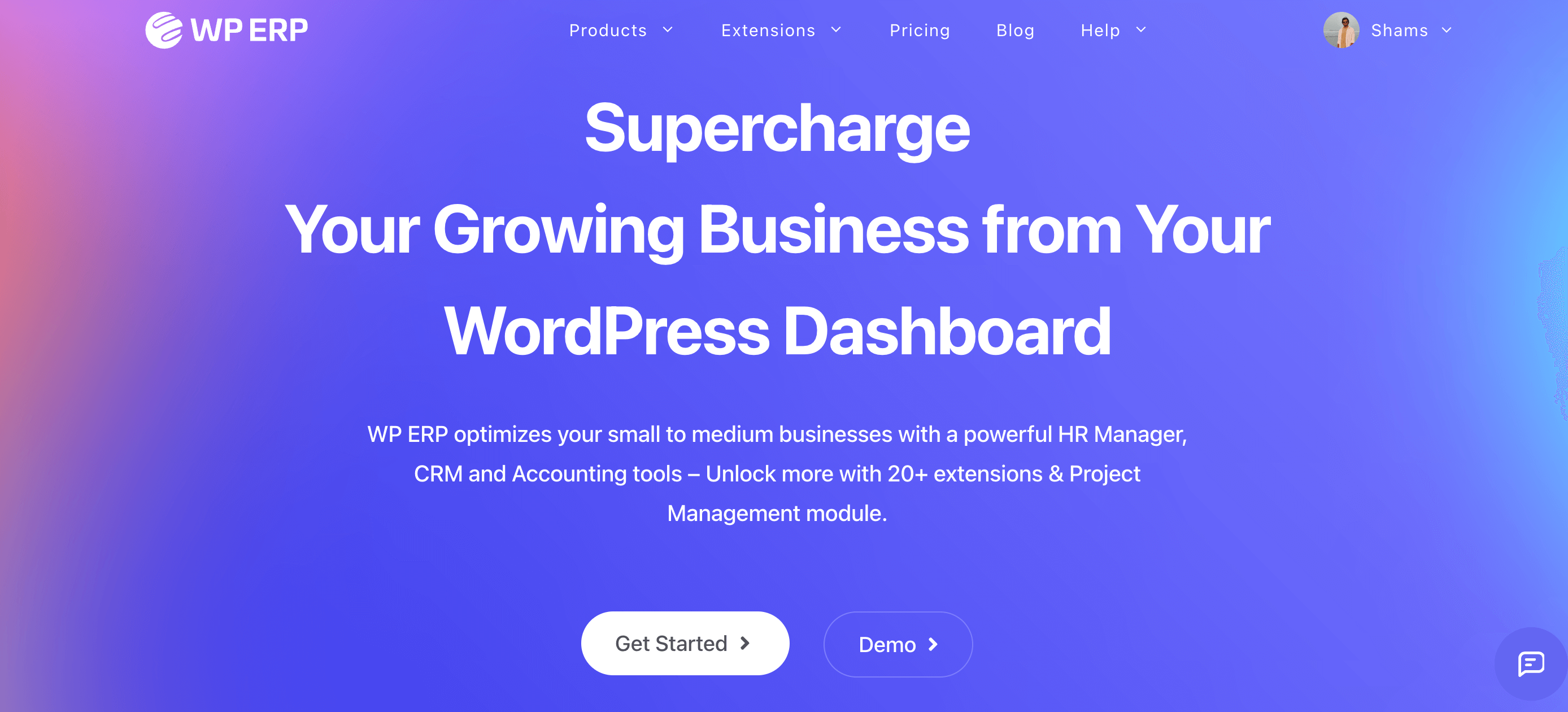
The best CRM is the one that supports your daily workflow without adding extra steps. It should feel simple to use, easy to manage, and flexible enough to grow with your team. If your business runs on WordPress, WP ERP becomes a strong option to consider.
WP ERP comes with three modules: CRM, HRM, and Accounting. You can enable or disable any module based on your needs, which keeps the system light and focused.
The CRM module gives you clean contact management, activity logs, segmentation, email communication, scheduling, and clear interaction history. Everything sits inside your WordPress dashboard, so you don’t need to jump between platforms.
Since the CRM works alongside HRM and Accounting, you get a setup that supports more than customer communication. HRM helps manage employees, attendance, and performance. Accounting handles invoices, transactions, and basic financial tracking.
All three modules share the same environment, which creates a smooth workflow for growing teams.
WP ERP works well for businesses that want an all-in-one system without heavy complexity. You can start with the CRM module and expand when needed. It lets you build a simple and organized structure inside a platform you already use.
CRM Use Cases – Key Takeaways for You
A CRM becomes useful when it supports real work, not when it sits as another tool in your stack. It brings more order to sales, marketing, support, and operations. It also helps teams stay consistent, which reduces stress and improves results.
The right CRM should feel easy to use from day one. It should help you track leads, understand customers, and move through tasks without confusion. It should also give you a clear view of what your team is doing and what needs attention next.
If you want a CRM that stays simple and still gives you room to grow, WP ERP is a strong option. You can start with the CRM module and add HRM or Accounting whenever you need them. It keeps everything inside WordPress and removes the need for extra platforms.
Use the CRM use cases in this guide as a reference point. Pick the ones that match your goals. Start small. Add more features only when you need them. A steady and clear setup always delivers better results over time.