






Managing appointments is simply not possible in spreadsheets, unmanageable email threads or scattered WhatsApp messages. If you’re running a service based business, you need automation, not chaos.
That’s where WordPress booking plugins come in.
The right plugin lets customers book appointments online, pay right away, receive confirmations automatically, and reduce no-shows without any extra manual work. And the best part? You don’t always need a premium solution to get started.
In this guide, we’ll show you the 5 best free WordPress booking plugins with payment support so you can accept bookings and payments without stretching your budget.
What Are WordPress Booking Plugins?
WordPress booking plugins are tools that allow businesses to accept appointments, reservations or service bookings directly from their WordPress website.
No need to handle your bookings manually via phone calls, emails, or spreadsheets. These WordPress booking plugins automate the complete booking process, from selecting a time slot to confirming the appointment and even collecting payments.
A WordPress booking plugin allows you to:
- Display real-time availability.
- Let customers choose dates and time slots.
- Accept secure online payments.
- Send automatic confirmation emails.
- Manage cancellations and rescheduling.
- Track bookings from a centralized dashboard.
These plugins are commonly used by:
- Consultants and coaches.
- Salons and spas
- Doctors and clinics.
- Hotels and rental services.
- Fitness trainers and studios.
- Event organizers.
In closing, WordPress booking plugins turn your website into a self service appointment system, saving you time, lowering no shows, and improving your customers’ experience.
How to Choose the Right Free WordPress Booking Plugin?
Picking the right free WordPress booking plugin isn’t just about installing the first one you find.
To truly manage appointments with ease, boost customer satisfaction and accept payment, especially online, you’ll want a booking plugin for WordPress site that fits your business needs.
Here’s what to keep in mind before you hit that “Install” button to activate your free WordPress booking plugin.
1. Payment Support
A free plugin that accepts online payments is the biggest advantage, especially if you sell services, classes or rentals. So look for built-in payment gateways such as PayPal or Stripe so you can get paid immediately.
2. Booking Features
Not all appointment booking plugins manage your bookings the same way, especially the free ones. Thus here are the key features to check:
- Real-time availability calendars.
- Time slot selection.
- Buffer times between bookings.
- Group bookings or multiple services.
3. Notifications & Confirmations
Automatic email or SMS confirmations save time and lower your no show rates. That’s why pick an appointment booking plugin that sends reminders and confirmations without extra add-ons or premium plans.
4. User Experience
A smooth booking flow is a must. Both your customers and you should find the interface easy to use, otherwise bookings can drop overnight.
5. Manageability
Look for a booking plugin for your WordPress site that comes with a dashboard that lets you:
- View and export bookings.
- Edit appointments.
- Manage clients.
- Track revenue.
6. Extendibility
Even if you’re just starting with a free plugin now, you sure will look for more advanced features later, such as recurring bookings, calendar sync or custom workflows. That’s why choose WordPress booking plugins that offer money worth upgrades.
Quick Tip: Free doesn’t have to mean limited. The best WordPress booking plugins give you core booking + payment features without forcing you into a premium plan right away.
5 Best Free WordPress Booking Plugins with Payment Support
1. BookingPress Lite
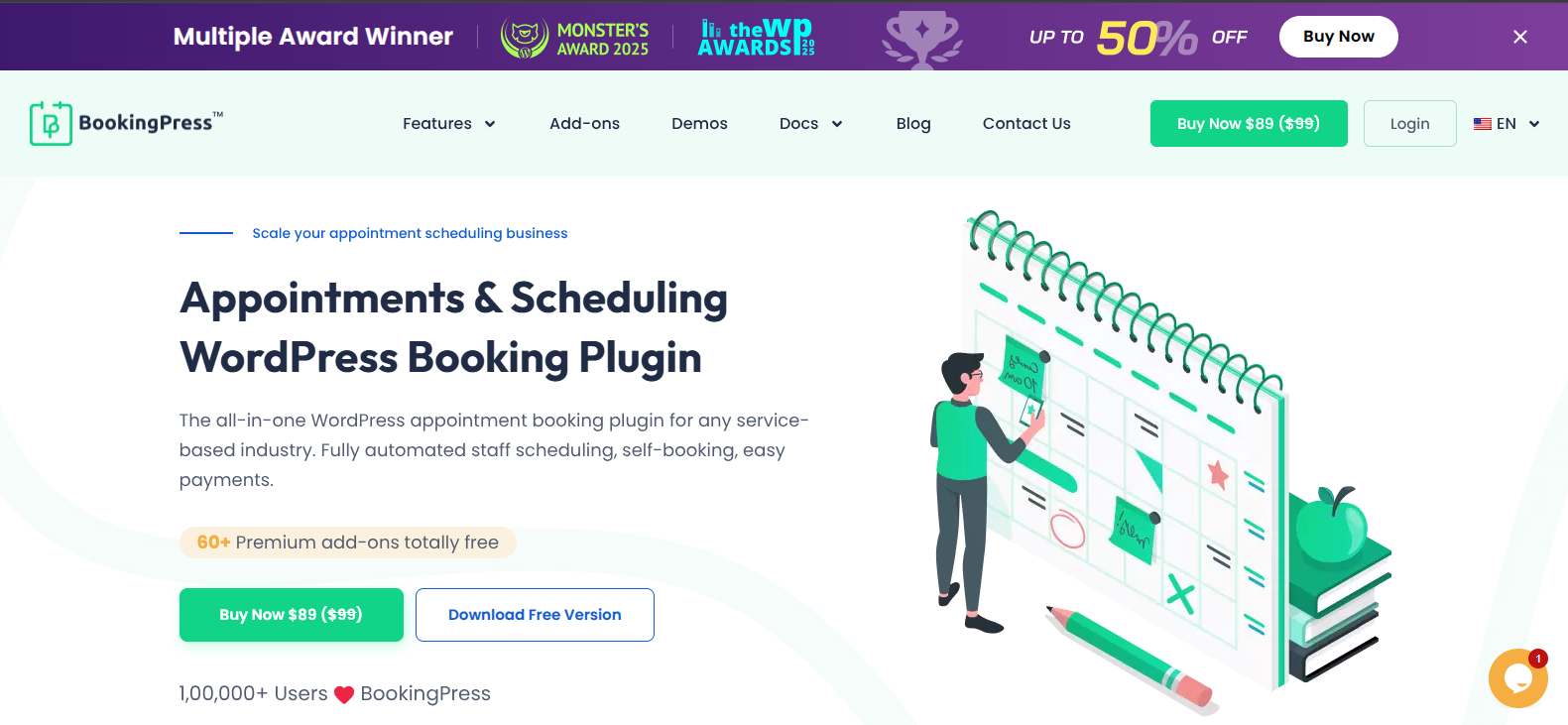
BookingPress is the best feature-rich WordPress booking plugin around here. It comes with a lightweight yet capable free version – BookingPress Lite.
This free WordPress booking plugin is designed for service based businesses that need an easy way to accept appointments and payments. It comes with clean booking forms, built-in payment via PayPal and intuitive calendar management. Plus, you can accept unlimited appointments via its fully customizable booking form.
No matter whether you run a salon, consulting service or any small service business, BookingPress Lite makes scheduling simple for you and smooth for your customers.
Key Features
- Fully customizable booking form.
- User friendly calendar management.
- Accept online payment securely via PayPal.
- Automated notification via Email.
- Real-time availability and schedule management.
Pros & Cons
| Pros | Cons |
| Clean and modern interface. | Advanced features locked in Pro. |
| PayPal integration included. | No recurring bookings in the free plan. |
| Easy setup for beginners. | |
| Flexible time slot and unlimited appointments. |
Best For: Small businesses and freelancers who want a powerful booking system with in built PayPal. Best of all, its easy to set up, use and manage with zero technical hassle.
2. eaSYNC Booking
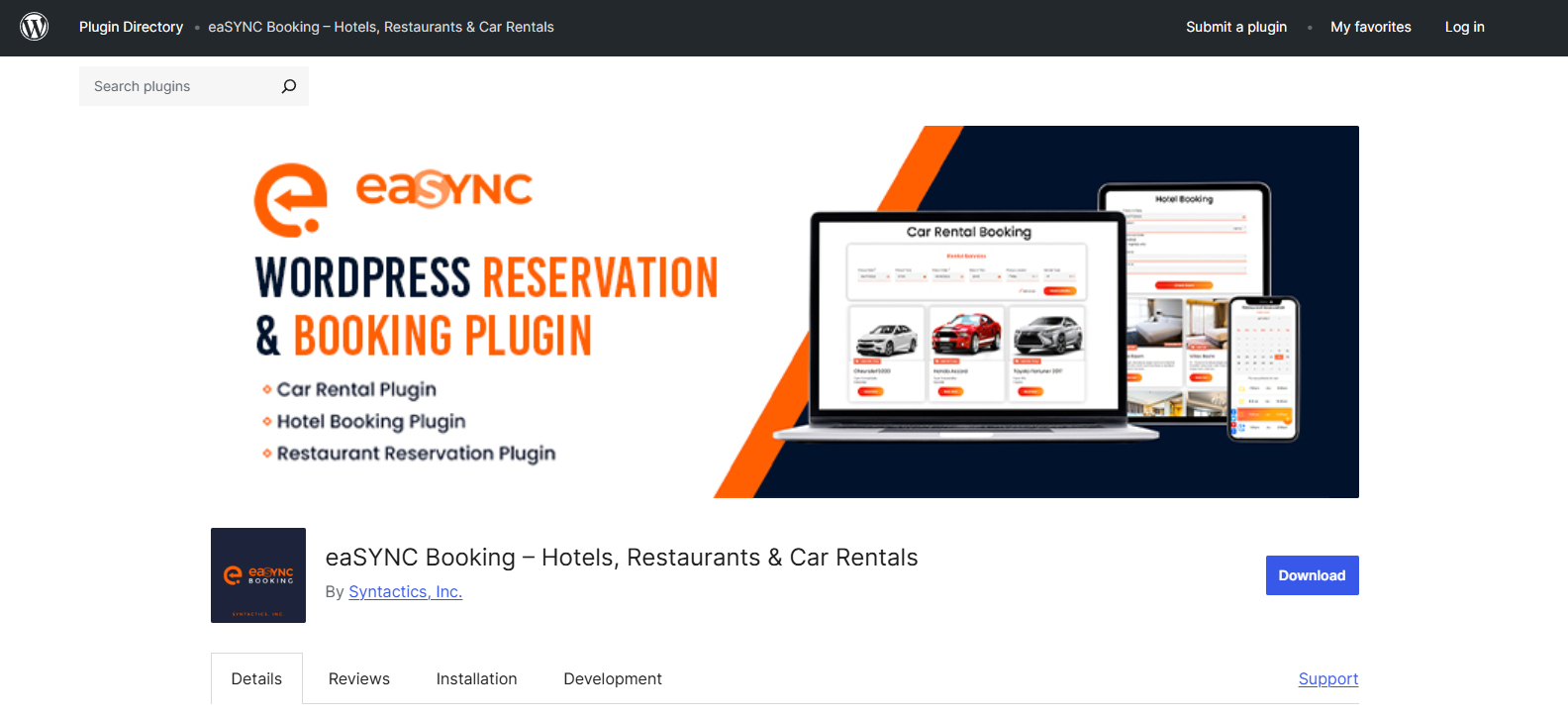
Want a WordPress booking plugin for a range of industries, from hotels and restaurants to car rentals? eaSYNC Booking is a must-try.
It gives you a simple booking experience with a responsive interface, customizable reservation forms and automated customer notifications. Further, the plugin works via shortcodes, so you can embed booking modules easily on any page you like.
This booking plugin also comes with built-in PayPal payment support in its free version.
Key Features
- Smoothly integrates with PayPal.
- Automatic email notifications.
- Manage bookings with calendar views and status categories.
- Customizable booking fields and email templates.
- Set currency codes and prices based on geolocation.
Pros & Cons
| Pros | Cons |
| Supports multiple booking types (hotel, restaurant, car rental). | Limited advanced booking controls (no built in buffer times, slots management tools). |
| Customizable email notifications. | Some users report occasional functionality issues. |
| Shortcode integration for flexible placement. | No premium upgrade roadmap visible in the free version. |
| Responsive and simple booking UI. | Lesser community driven development compared to bigger plugins like BookingPress. |
| Free currency conversion. |
Best For: Small businesses who want a plugin for simple booking features such as hotel reservations, restaurant table bookings and car rentals.
3. LatePoint
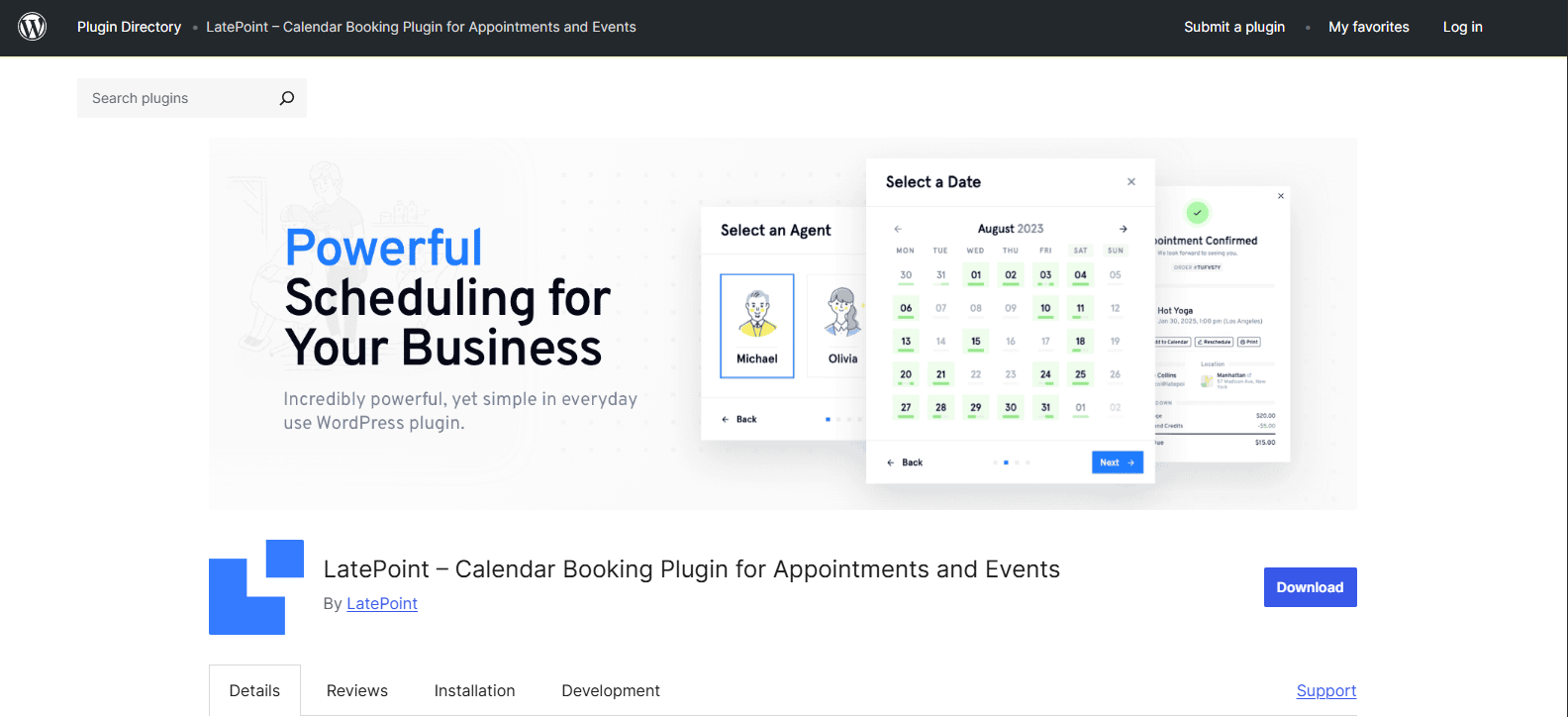
LatePoint is a sleek and modern WordPress appointment booking plugin for managing client bookings.
While its free version is somewhat limited compared to the premium edition, it gives you core booking features and a amazing user interface that’s great for service based businesses.
Furthermore, LatePoint lets you create booking forms that integrate directly with your WordPress site and start accepting online payment with Stripe.
Key Features
- Clean and intuitive booking form.
- Basic customer and agent management.
- Dashboard with appointment overview.
- Accept payments with Stripe.
- Sync with Google Calendar.
Pros & Cons
| Pros | Cons |
| Attractive and modern interface | Most advanced features are reserved for Pro |
| Easy setup and onboarding | Limited form customization options |
| Works well for basic scheduling | |
| Good user experience for customers |
Best For: Service businesses and professionals such as consultants, tutors, stylists and therapists who just want a booking plugin with the simplest booking interface as possible.
4. WP Hotel Booking
WP Hotel Booking by ThemPress is another best free appointment booking plugin for hotels, vacation rentals and hospitality businesses.
Unlike general appointment plugins, it’s especially made for room inventory, seasonal rates and accommodation-style reservations, all while offering multiple payment support, even its free version supports 4 payment options – offline payment, Authorize.net, PayPal and Stripe.
Key Features
- Responsive booking form for all rooms and properties.
- Room type management for the number of rooms, beds, guest capacity and more.
- Seasonal pricing and rate setup.
- Automatic email notifications.
- Flexible booking, customer, pricing and coupon management.
Pros & Cons
| Pros | Cons |
| Great for hotel & accommodation bookings. | Not good for appointments or service-based bookings. |
| Free PayPal, Stripe and Authorize.net payment gateways. | No automatic notifications. |
| Seasonal pricing features. | Less beginner friendly than general booking plugins. |
| Responsive booking calendar. |
Best For: Hotels, guesthouses, B&Bs, vacation rentals, and other accommodation businesses wanting a free booking plugin along with multiple secure payment support and room management features.
5. Bookify
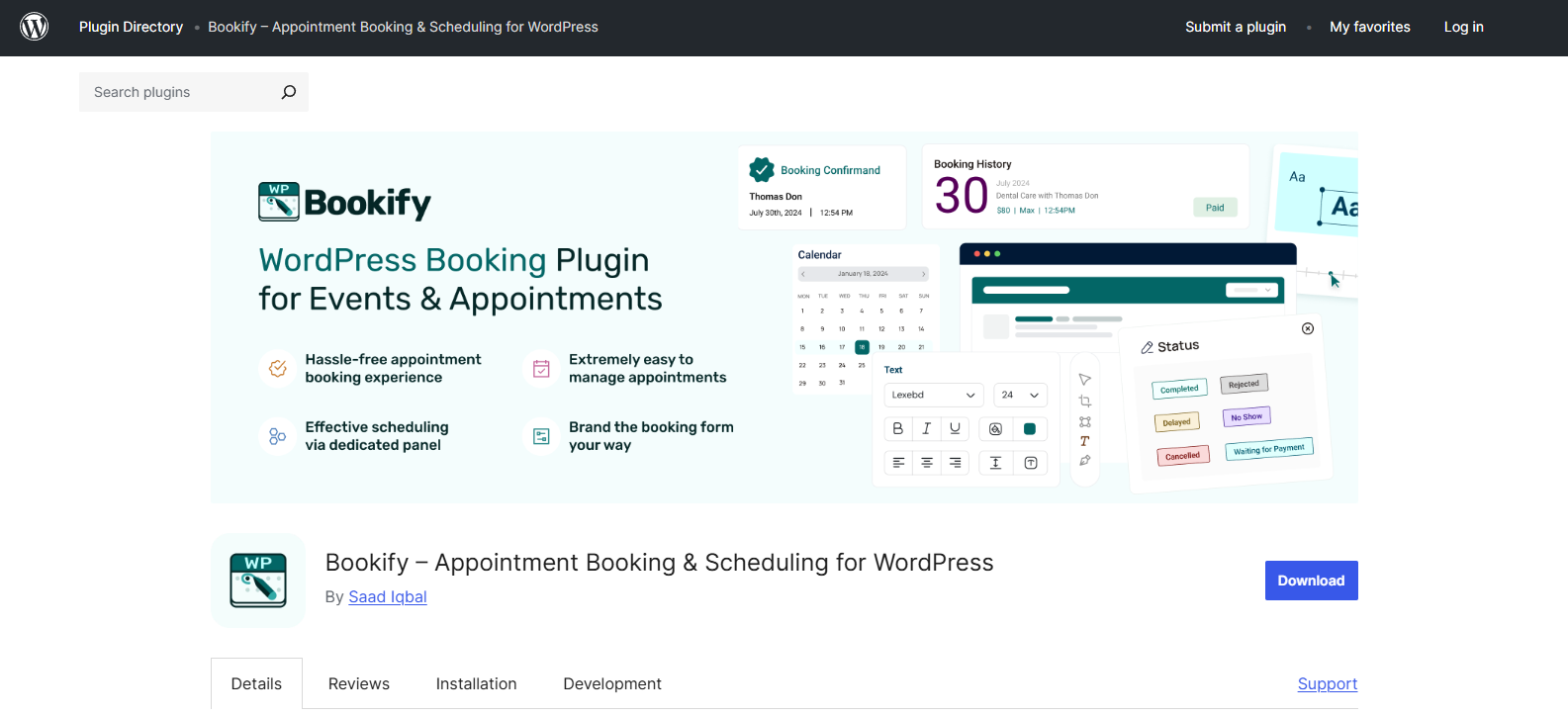
Bookify is a flexible booking plugin for WordPress businesses who wants to manage appointments, services, classes and event based reservations.
The free version comes packed with all essential booking management features and PayPal payment gateways so you can accept online payments without upfront costs.
Best of all, you can create unlimited booking forms, manage bookings from the dashboard and automate email notifications, all from a simple admin dashboard.
Key Features
- Fully responsive booking forms.
- Integrates smoothly with PayPal.
- Service and slot management.
- Automatic email notifications.
- Shortcode support for easy placement.
Pros & Cons
| Pros | Cons |
| Easy setup and use. | Limited customization options. |
| Free payment acceptance via PayPal. | No automated calendar sync. |
| Supports multiple booking slots. | Some advanced features are reserved for Pro. |
| Clean and organized dashboard. |
Best For: Small businesses, freelancers, tutors and trainers who want a free booking plugin with PayPal payment gateway.
Quick Comparison Table of the Best WordPress Booking Plugins
| Plugin | Payment Support (Free) | Booking Type | Best For |
| BookingPress Lite | PayPal | Appointments & Services | Salons, consultants, clinics, service businesses. |
| eaSYNC Booking | PayPal | Hotels, restaurants, car rentals | Small hospitality businesses with simple booking needs. |
| LatePoint | Stripe | Appointments & Services | Coaches, tutors, freelancers, service professionals. |
| WP Hotel Booking | PayPal, Stripe, Authorize.net, Offline | Hotel & Room Reservations | Hotels, B&Bs, vacation rentals. |
| Bookify | PayPal | Services, classes, events | Freelancers, trainers, small businesses. |
What Is The Best Free Booking Plugin For WordPress?
BookingPress Lite is overall the best free booking plugin for Wordpress with PayPal payment gateway support. You can accept and manage unlimited booking appointments from a user-friendly interface.
Besides, it lets you send automatic email notifications as well as fully customize your booking form with extensive styling options.
BookingPress Lite offers the most balanced combination of payment, feature set and usability in its free version.
Unlike many other free plugins that lock core features behind a paywall, BookingPress lets you get started quickly and efficiently. That’s why it is perfect for all service based businesses, consultants, salons, trainers and freelancers.
Let’s Wrap It Up!
These are the 5 best free WordPress booking plugins with payment gateways. The right WordPress booking plugin will help you automate your bookings, accept online payments and improve your customer experience, all without breaking the bank.
All of these plugins let you start accepting bookings and payments right away to give your service business a professional edge.
Pick the appointment booking plugin that best fits your business, install it and start accepting your online booking appointments today.