





If you’re running a team on a WordPress-powered business site, at some point you’ve probably had this thought: “I wish I didn’t have to chase people for timesheets.” You’re not alone.
Tracking who showed up, when they clocked in, how many hours they put in — it sounds simple, but without the right tool, it turns into a weekly headache.
The good news? There are some solid WordPress attendance plugins that can automate all of that right from your dashboard.
We put together this list of the best WordPress attendance plugins to help you pick the one that actually fits your workflow. Whether you’re managing a small team of five or a growing company with multiple departments and shifts, there’s something here for you.
Let’s get into it.
Quick Comparison – Best WordPress Attendance Plugins
| Plugin | Best For | Pricing | Shift Management |
|---|---|---|---|
| WP ERP | Growing businesses | Free + Pro | ✓ Advanced |
| Clockinator | SMBs needing payroll too | Free + Pro | ✓ Yes |
| Clock In Portal | Simple time tracking | Free + Pro | ✓ Basic |
| Time Clock | Volunteers & small teams | Free | ✗ No |
1. WP ERP
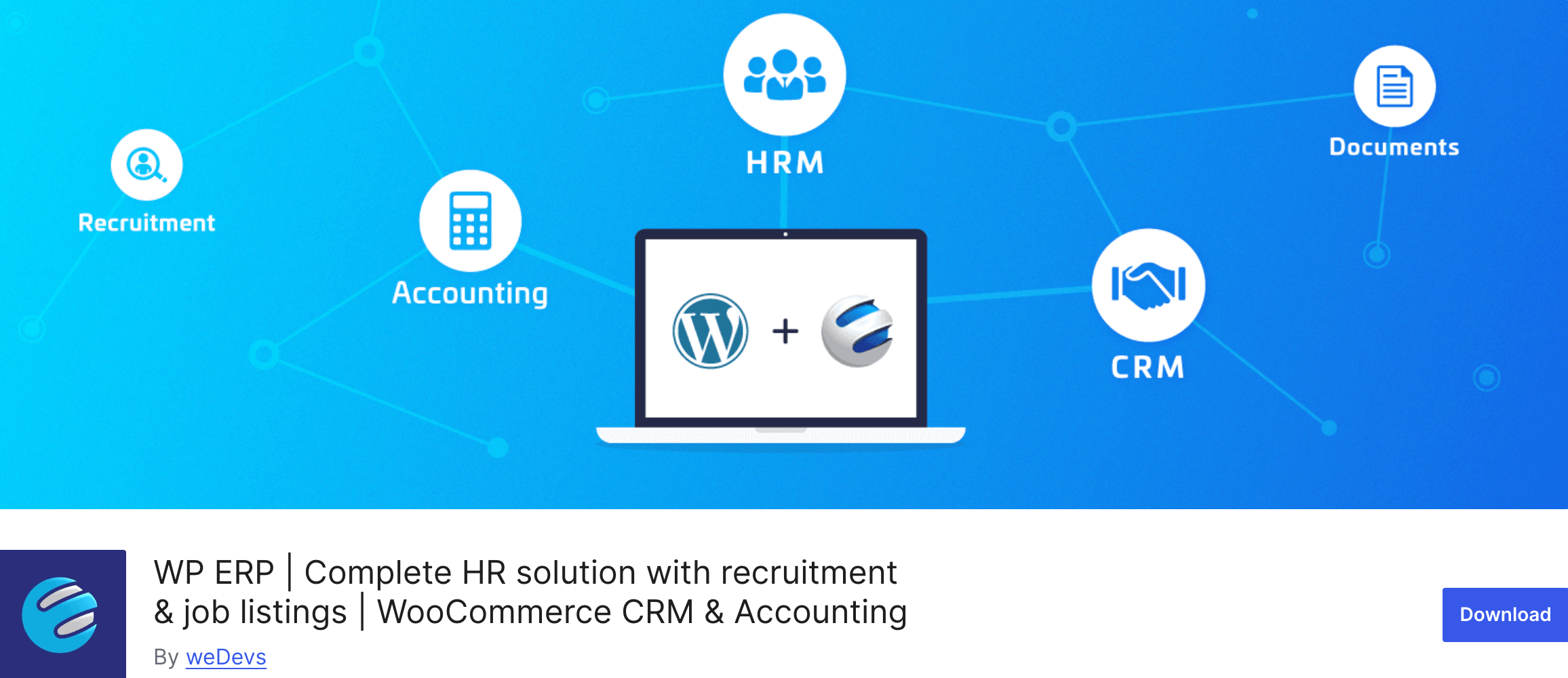
If you want an attendance plugin that actually does more than just log clock-ins — WP ERP is where the conversation starts and, honestly, for most businesses, where it ends.
WP ERP is a full-featured business management suite for WordPress with dedicated modules for HRM, CRM, and Accounting. The Attendance extension, which lives inside the HRM module, goes well beyond basic time tracking. It’s the kind of tool that makes you wonder how you managed without it.
What makes it stand out is how tightly the attendance data connects with everything else — leave management, employee profiles, payroll support. It’s not a siloed tool. When an employee checks in, that data feeds into their HR record automatically. When you’re running reports at the end of the month, it’s all there in one place.
One feature that’s genuinely useful for distributed teams is the self-service check-in. Employees get their own HR dashboard where they can clock in and out themselves — no need for a manager to manually update records. For remote teams, this is a game-changer.
There’s also an IP restriction feature that addresses a real problem: time theft. You can whitelist specific IP addresses, so employees can only check in from approved devices or locations. It sounds like a small thing, but if you’ve ever had issues with buddy punching or inflated hours, you’ll appreciate it immediately.
And if you’re transitioning from a hardware-based system — like a biometric scanner or card punching machine — WP ERP lets you import attendance data directly from those devices. That’s something very few WordPress plugins even attempt to do.
Top Features
- Employee self-service check-in and check-out via HR dashboard
- Bulk shift roster management — create unlimited shifts and assign them to multiple employees at once
- IP restriction to prevent unauthorized check-ins
- Import attendance data from hardware systems (biometric, card punching)
- Date-based and employee-based attendance reports
- Seamless integration with WP ERP’s leave management, payroll, and CRM modules
- Attendance reminder emails to keep employees on track
Best for: Growing businesses that want HR, attendance, and payroll all in one WordPress system.
Why WP ERP makes sense for the long run: Most attendance plugins are standalone tools — they track hours, and that’s it. WP ERP is different because the attendance data lives inside a complete HRM system.
That means as your team grows, you’re not duct-taping multiple plugins together. Everything — hiring, leave, attendance, payroll — is connected from day one.
2. Clockinator
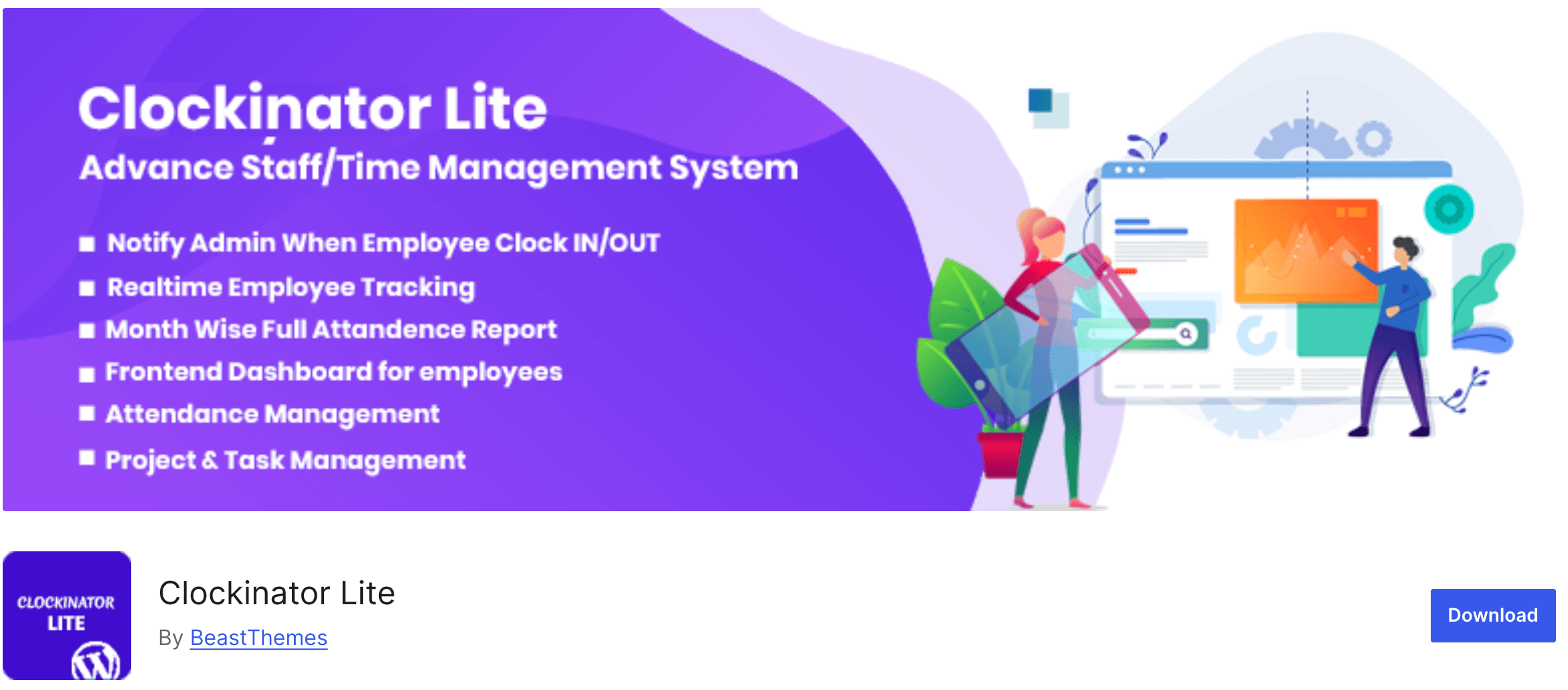
Clockinator is one of the more capable free options in this space — and its Pro version is genuinely competitive with paid tools that cost significantly more.
The free Lite version gives you attendance tracking, real-time working hour monitoring, holiday management, and a frontend dashboard for employees. For a small business that just needs the basics without paying anything upfront, it’s a solid starting point.
Upgrading to Clockinator Pro unlocks a lot more: shift management, payroll calculation based on working hours, reimbursement tracking, CSV export for attendance reports, and customizable email/SMS notification templates. The payroll integration is particularly handy — it calculates employee salaries based on logged hours and can generate payslips on a daily, weekly, or monthly basis.
The admin dashboard is clean, and most users find the interface easy to navigate without much of a learning curve. The plugin also notifies the admin in real time whenever an employee clocks in or out, which is useful for keeping tabs on punctuality.
- Real-time employee tracking with clock-in/out notifications
- Month-wise attendance reports and past attendance history
- Shift management (Pro)
- Salary calculation and payslip generation — daily, weekly, monthly (Pro)
- Reimbursement tracking (Pro)
- CSV export for attendance data (Pro)
- Frontend employee dashboard via shortcode
Best for:Small to mid-sized businesses that want an attendance and payroll combo without a large upfront investment
3. Clock In Portal
Clock In Portal is a no-frills attendance plugin that does exactly what the name suggests — it gives your staff a simple portal to clock in and out. It’s lightweight, easy to set up, and free to use at the basic level.
What it does well is handling the everyday basics: staff can clock in and out from shifts, log lunch breaks, and submit leave requests directly from their panel. Admins can review hours per day, approve or reject leave requests, and create salary reports from the attendance data.
One thing worth noting: the free version is solid for small teams, but if you need more advanced reporting or additional management features, you’ll want to look at the Pro version. The plugin has been actively maintained and is compatible with recent versions of WordPress, which is always a good sign.
- Clock in/out for shifts and lunch breaks
- Employee leave request and approval system
- Admin view of daily hours worked per staff member
- Salary report and leave report generation
- Customizable clock widget (color and text)
- New staff account creation from admin panel
Best for:Small teams and startups looking for a quick, straightforward attendance setup
4. Time Clock
Time Clock is one of the older and more established free plugins in this category on WordPress.org. It’s particularly popular with nonprofits and organizations that manage volunteers alongside employees, because it handles both types of users well.
The plugin embeds a time clock on your site using a shortcode, so employees or volunteers can check in directly from the frontend. Admins can view activity logs, sort by user, and see total hours worked. There’s also the option for admins to manually add, modify, or delete time records — which is useful when things inevitably get messy (someone forgot to clock out, etc.).
It’s not the most feature-rich plugin on this list, but it’s reliable, free, and doesn’t get in your way. If your needs are simple and you don’t require shift management or payroll features, Time Clock is worth a look.
- Frontend time clock via shortcode
- Supports users working past midnight
- Admin can add, modify, or delete time records
- Activity page with sortable user reports
- Total time worked calculations per user per day
- Customizable date and time format settings
Best for: Nonprofits, volunteer organizations, and small teams needing basic time logging without any cost.
Also read – 9 Best Free CRM Tools for Small Businesses
So, Which Attendance Plugin Should You Go With?
Honestly, it depends on what stage your business is at. If you’re a solo operator or running a tiny team with simple needs, something like Clock In Portal or Time Clock will get the job done without any cost.
But if you’re growing — or if you already have a team with departments, shifts, and payroll considerations — you really should be looking at a more complete solution. Piecing together three different plugins to handle attendance, leave management, and HR records separately is a recipe for headaches down the road.
That’s why WP ERP sits at the top of this list. The attendance extension isn’t just a time-tracking widget — it’s part of a full HR management system built for WordPress.
Your attendance data connects directly to employee profiles, leave balances, and payroll. You get shift management, IP restrictions, self-service check-ins, hardware import support, and detailed reports all from one dashboard.
For businesses that are serious about managing their people well, WP ERP is the attendance plugin that actually grows with you.