


Here’s what a lot of WordPress users don’t realize: by default, your site sends emails using PHP mail(), which routes messages through your web server.
To make matters more challenging, your host’s IP probably sends thousands of emails from hundreds of different sites. So mailbox providers like Gmail have no way to verify your emails are legitimate.
Without proper authentication records, your password resets and order confirmations are essentially showing up at the inbox door without ID. But there’s light at the end of the tunnel.
SMTP solves this by routing emails through dedicated infrastructure. Instead of your web server, messages flow through systems that authenticate your domain (using SPF, DKIM, and DMARC records), manage sender reputation, and actually care whether messages arrive.
For business plugins like WP ERP, this reliability isn’t optional – when an HR approval email doesn’t arrive, projects stall; when an invoice notification bounces, you don’t get paid on time.
This guide covers how SMTP fits into a WordPress business stack, what matters when choosing a provider, and how the leading options compare for sites running WooCommerce, WP ERP, and similar business tools.
What to Look For in the Best SMTP Providers for WordPress
The “best” choice depends on your situation. Here’s what actually matters for WordPress business sites.
- Deliverability tools: Look for IP reputation monitoring, separate streams for transactional vs. marketing email (so promotional campaigns don’t tank your order confirmation deliverability), and automatic warmup for new senders.
- Authentication support: Clear instructions for SPF, DKIM, and DMARC setup, plus verification tools that confirm everything works. A single DNS typo can break authentication entirely.
- WordPress integration: Native support in plugins like FluentSMTP, Post SMTP, WP Mail SMTP, or Gravity SMTP. API connections are generally faster and more reliable than SMTP credentials.
- Sensible pricing: Free tiers range from 100 to 3,000+ emails/month. Calculate your actual volume – including headroom for promotional campaigns – before comparing prices.
- Logs and analytics: When a customer says: “I never got my receipt,” you need to find out why. Look for dashboards where you can search by recipient email and see exactly what happened – delivered, bounced, or marked as spam.
Support when things break: Email problems are urgent. A broken password reset flow means angry customers; an invoice email that bounces means delayed payment. Know what support channels your plan includes.
Top SMTP Providers for WordPress – Quick Comparison
Here’s how the five providers in this guide compare on the dimensions that matter most for WordPress business sites.
| Provider | Pricing | Key Strengths | Best For |
| Mailtrap | Free 4K/mo; ~$15/mo for 10K | Stream separation; deliverability analytics; straightforward plug-in integration | Product teams needing stream separation |
| SendGrid | Free 100/day; paid scales by volume | Mature ecosystem; marketing + transactional combined | Growing brands with multiple properties |
| Mailgun | Trial only; ~$15/10K emails | Powerful API; advanced routing; granular logs | Technical teams wanting control |
| Brevo | Free 300/day; from ~$9/mo | All-in-one marketing + transactional; beginner-friendly | SMBs wanting one platform |
| Postmark | No free tier; ~$15/mo for 10K | Speed-optimized transactional; strict reputation policies | Critical transactional reliability |
Note: Pricing changes frequently. Verify current rates on each provider’s website before making decisions.
Best SMTP Providers for WordPress in 2026
1. Mailtrap

Mailtrap’s standout features are the stream separation and high deliverability rates. Transactional emails (receipts, password resets) route through a different channel than bulk marketing. If a promotional campaign triggers spam complaints, your order confirmations keep flowing through a clean, high-reputation stream.
Strengths: Deliverability analytics with inbox placement insights (not just “delivered” status), automatic IP warmup over 2-4 weeks for new senders, 30-day searchable email logs, SDKs for PHP/Python/Node.js/Ruby, webhooks for real-time notifications, and the email testing sandbox remains excellent for staging environments.
Limitations: Dedicated IPs require Business or Enterprise plans, which jump in price. Interface has a learning curve compared to simpler tools like Brevo.
Best for: Product teams, eCommerce stores sending both transactional and marketing email, and anyone who’s experienced deliverability problems and wants more control over what happens after hitting send.
2. SendGrid

SendGrid (now part of Twilio) has operated since 2009 and sends billions of emails monthly. That scale is both its strength and, for some users, a source of frustration.
The platform handles transactional and marketing under one roof with template builders, automation workflows, and analytics. For organizations running multiple WordPress sites alongside mobile apps and other services, consolidating on one platform simplifies vendor management considerably.
Strengths: Well-documented with code examples in every major language. Scales from 100/day (free) to millions/month. Marketing features (templates, A/B testing, automation) built in. Event webhooks for real-time bounce and engagement notifications. Virtually every WordPress SMTP plugin supports SendGrid natively.
Limitations: Deliverability reputation has been inconsistent lately – some users report inbox placement declining after the Twilio acquisition. Dashboard can feel overwhelming with features scattered across sections. Support quality varies significantly by plan tier. Pricing gets complex with add-ons; so calculate your projected total cost carefully.
Best for: Organizations needing one platform for transactional and marketing across multiple properties. Teams already in the Twilio ecosystem or those who value mature, well-documented integrations.
3. Mailgun
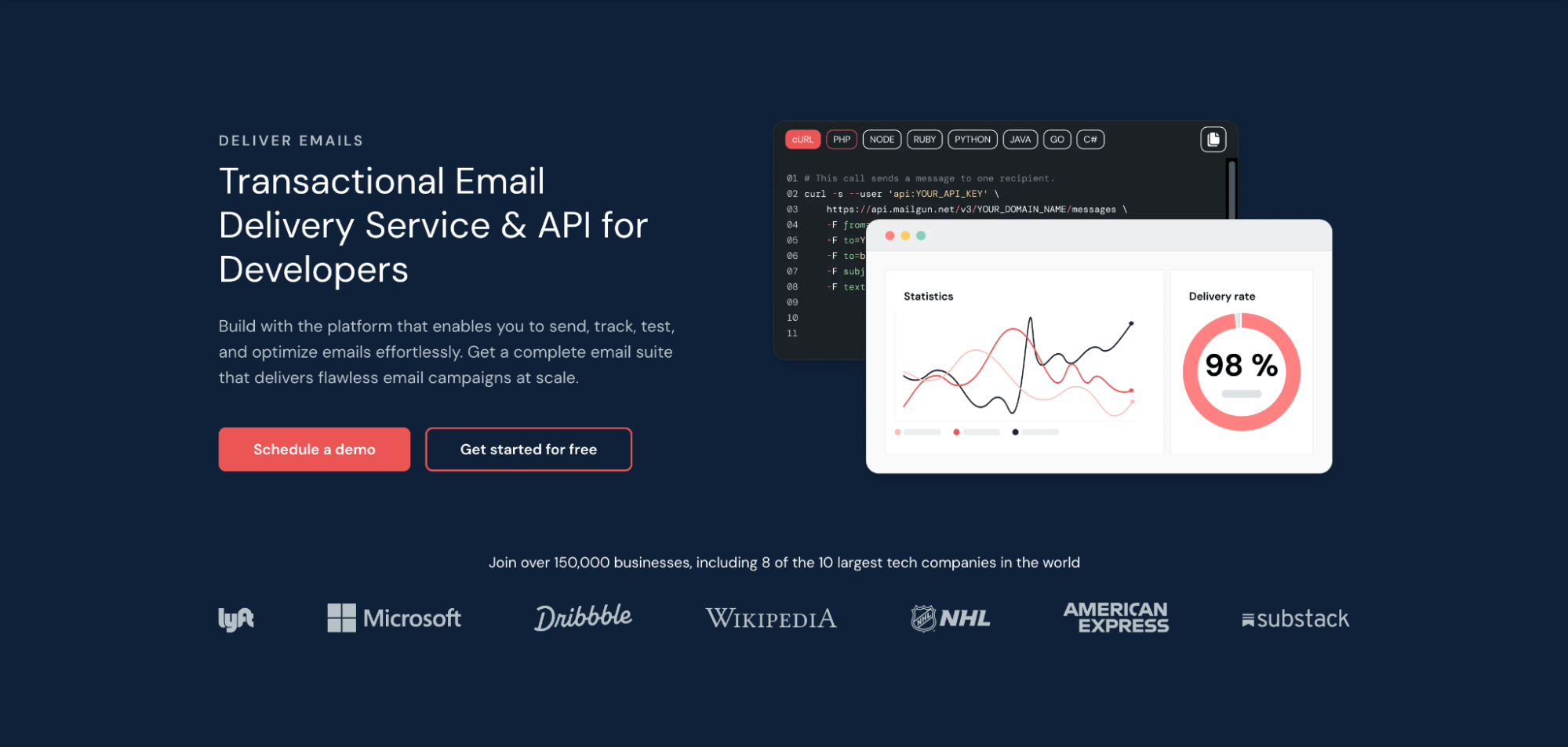
Mailgun wears its developer focus openly. The API documentation is excellent, routing capabilities are powerful, and logs are granular enough to debug the trickiest delivery problems. It’s probably the wrong choice if you don’t have someone technical on your team – the platform assumes you know what you’re doing.
Strengths: Affordable pricing starting at $15 for 10,000 emails/month (, logs include full message content for debugging rendering issues, dedicated IPs available with full warmup control, advanced routing rules for complex logic, inbound email processing for support tickets.
Limitations: Documentation assumes technical familiarity; non-developers will struggle. Support can be slow unless you’re on enterprise plans. Interface feels dated compared to newer competitors.
Best for: Development teams, high-volume WordPress installations (large membership sites, busy WooCommerce stores) where someone can own the technical configuration and wants fine-grained control over routing and delivery.
4. Brevo (Sendinblue)
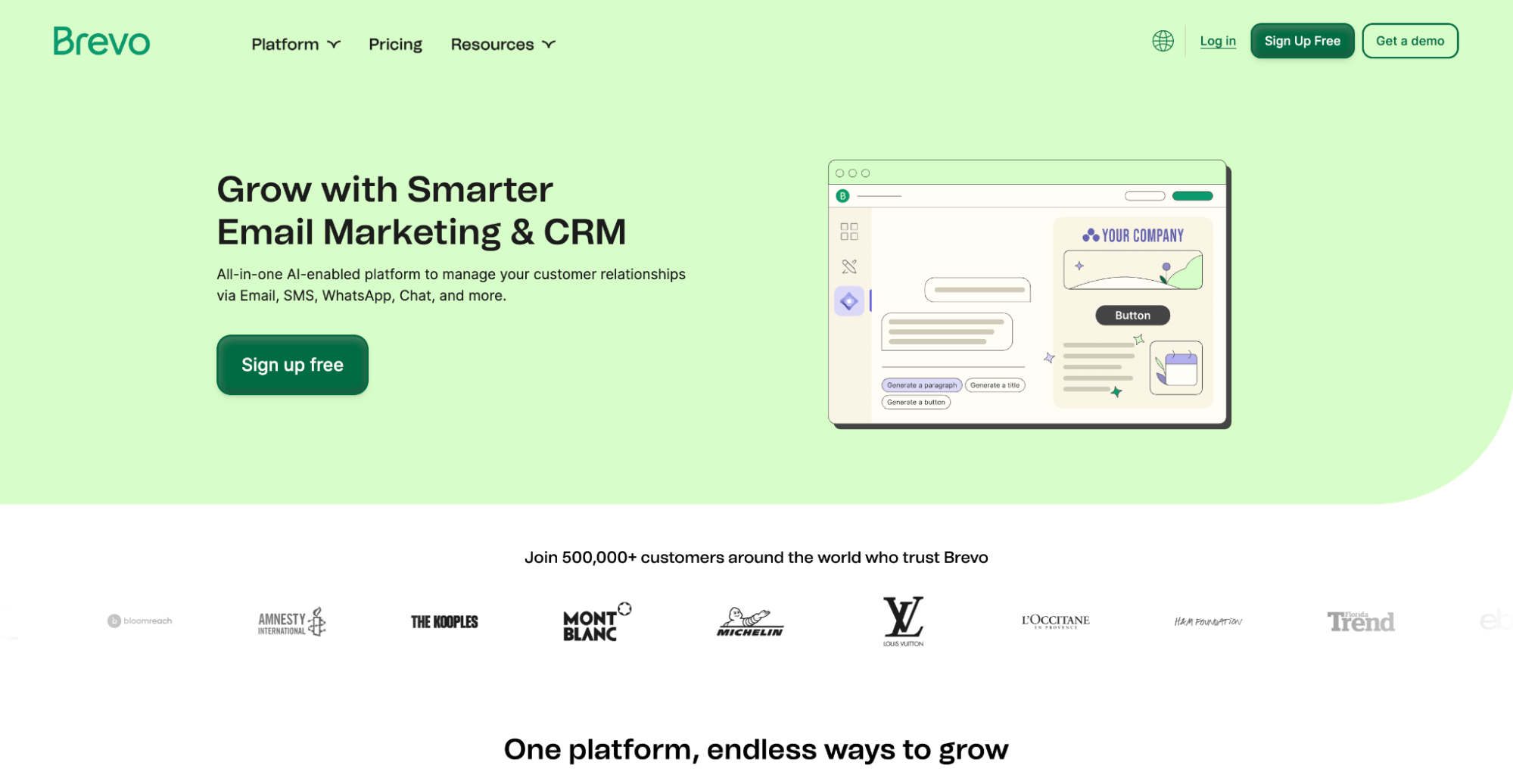
Brevo (they rebranded from Sendinblue in 2023) targets small businesses wanting email marketing and transactional delivery without juggling multiple platforms. The interface is noticeably more approachable than developer-focused alternatives.
They even have a WordPress plugin that handles both marketing campaigns and SMTP configuration in one package.
Strengths: Genuinely user-friendly interface designed for non-technical users. Built-in campaign tools, landing pages, and basic CRM. Free tier includes 300/day – reasonable for many small sites. Competitive paid pricing starting around $9/month.
Limitations: Free tier limit is daily, not monthly – 300/day sounds good until you have a busy sales day and hit the cap. Transactional email features aren’t as sophisticated as dedicated providers. Analytics are basic compared to Mailtrap or Mailgun. Marketing focus means transactional sometimes feels like an afterthought.
Best for: Small businesses and blogs wanting newsletters plus site emails together with minimal technical overhead. If one person manages everything and simplicity trumps advanced features, Brevo delivers.
5. Postmark

Postmark focuses mostly on transactional emails, though they also offera bulk stream. So, yes, similar to Mailtrap they also separate sending streams – with a strong argument.
This helps them maintain higher deliverability because their IPs aren’t polluted by promotional traffic that generates spam complaints. Independent tests consistently rank them well with high median delivery times.
Strengths: Good inbox placement due to strict sender policies. Fast delivery – critical for time-sensitive messages like OTP codes and password resets. Clean, intuitive dashboard with message-level activity tracking. Transparent pricing with no hidden fees.
Limitations: No free tier – you pay from day one (though they offer a trial). Strict policies mean they can be quick to suspend accounts for compliance issues. Higher cost per email at scale than some competitors.
Best for: Businesses where transactional reliability directly affects revenue – eCommerce stores, SaaS applications, membership platforms, anything with login flows where speed and inbox placement are paramount.
Quick Setup Walkthrough
Regardless of which provider you choose, setup follows a similar pattern. Plan 30-60 minutes for initial configuration, plus 24-48 hours for DNS propagation.
- Create your provider account and complete verification. Most providers verify your website or business information for compliance before enabling sending.
- Add your domain and configure DNS records. Your provider will give you specific SPF, DKIM, and DMARC records. Copy these exactly – a single typo breaks authentication. Use the provider’s verification button to confirm setup.
- Wait for DNS propagation (typically 1-24 hours, sometimes up to 48). Don’t skip ahead – sending before verification is confirmed can hurt your reputation from the start.
- Install your SMTP plugin (FluentSMTP, Post SMTP, WP Mail SMTP, Gravity SMTP) and enter credentials: SMTP host (e.g., smtp.mailtrap.io), port 587 or 465, TLS encryption, or an API key depending on what the plugin supports.
- Set your from address using your verified domain ([email protected]). Never use a free email address like @gmail.com – it triggers spam filters immediately.
- Send test emails to Gmail, Outlook, and Yahoo accounts. Verify they land in the inbox (not spam) and check that SPF/DKIM headers pass authentication.
Monitor for one week. Check plugin logs and provider dashboard for bounces, complaints, or delivery failures. Use mail-tester.com for quality scores – aim for 9/10 or higher.
Matching Providers to Your Situation

- Small business or blog with modest volume: Brevo. The free tier covers your needs, the interface is beginner-friendly, and you can manage newsletters and transactional email in one place without technical complexity.
- Growing WooCommerce or membership site: Mailtrap or Postmark. Both prioritize transactional deliverability. Mailtrap’s stream separation protects order emails if you add marketing later. Postmark offers best-in-class transactional speed if you’re okay with higher pricing and somewhat stricter rules.
- Multiple sites or apps on one platform: Mailtrap, SendGrid or Mailgun. All offer well-established ecosystems with consistent APIs across WordPress, mobile apps, and backend services.
- Technical team wanting maximum control: Mailgun for routing flexibility and exhaustive logs. Mailtrap if deliverability analytics and inbox placement insights are the priority.
Best Practices and Troubleshooting
- Separate transactional and marketing traffic using different streams or subdomains ([email protected] vs. [email protected]). This protects critical emails from marketing reputation issues.
- Monitor metrics weekly: Keep bounce rates under 2% and spam complaints under 0.1%. Rising complaints mean something’s wrong – investigate immediately before deliverability tanks.
- Verify DNS records quarterly. SPF, DKIM, and DMARC can break silently during hosting migrations or DNS changes. Schedule a reminder to verify authentication is still passing.
- Warm up new domains gradually. Start with hundreds/day, increase over 2-4 weeks. Sending 50,000 emails on day one from a fresh domain guarantees spam folder placement.
If emails still go missing: Check plugin logs (did the email leave WordPress?), provider dashboard (delivery status and bounce reasons), DNS authentication via mail-tester.com, rate limits on new accounts, and email content for spammy words or missing unsubscribe links.
Best SMTP Providers for WordPress – Next Steps
A reliable SMTP provider is foundational infrastructure for any WordPress business site. When order confirmations, password resets, and invoices arrive consistently, customers trust you and operations run smoothly. When they don’t, you lose money and credibility in ways that are hard to measure but easy to feel.
This week, audit your current deliverability. Send test emails from your WordPress site to Gmail, Outlook, and Yahoo accounts. Check if they land in the inbox or spam. If you’re still relying on PHP mail(), the results might be a wake-up call.
Then, pick a provider from this guide, follow the setup walkthrough, and verify your authentication. The whole process takes an afternoon – and your business emails will thank you.
Also check – Top 7 Free Customer Management Tools for Small Busineses.