

If you run a business on WordPress, you’ve probably hit the same wall I did about two years ago. One tab open for HR. Another for the CRM. A third for accounting. A fourth for invoicing. And none of them talk to each other or to your actual website.
So I started looking at WordPress ERP plugins as a way to bring everything back under one roof.
Over the last few months, I’ve installed, tested, and stress-tested the WordPress ERP plugins that actually deliver on the all-in-one promise. Most of them don’t, honestly.
A lot of plugins call themselves “ERP” when they’re really CRMs with a few extra fields bolted on. I cut through that noise and came back with three that are worth your time, ranked by how much of your business they can actually run.
If you’re shopping for the best WordPress ERP plugin for your business, this is the comparison I wish I’d had when I started.
What Is a WordPress ERP Plugin?
A WordPress ERP plugin turns your WordPress site into a full business management system. Instead of jumping between different SaaS tools, you handle HR, customer relationships, and accounting from your WordPress dashboard.
The good ones cover three core areas:
- Human Resource Management (HRM): employee profiles, attendance, leave, payroll
- Customer Relationship Management (CRM): contacts, leads, deals, communication history
- Accounting: invoices, expenses, tax, financial reports
The difference between a WordPress ERP and a cloud ERP like NetSuite or SAP is simple.
Cloud ERPs are built for enterprises with dedicated finance teams and six-figure budgets.
WordPress ERP solutions are built for the rest of us. Small to mid-sized businesses that need the same functionality without the consultant invoices.
The bonus: your data stays on your own server. No third party gets to decide what happens to your customer list or your payroll records.
What I Looked For in a Good WordPress ERP Plugin
Before I get into the picks, here’s the criteria I used. If you’re evaluating any other WordPress ERP plugins later, run them through the same filter.
- A free core that’s actually usable. Not a 14-day trial. Not a crippled demo. A free version you could realistically run a small business on.
- At least two of the three modules (HR, CRM, accounting) in one plugin. Otherwise you’re back to stitching tools together.
- Self-hosted data. Your business data should live on your server, not someone else’s cloud.
- WooCommerce compatibility. If you sell anything online, your ERP needs to read WooCommerce data.
- Pricing that doesn’t punish growth. Some tools triple their price the moment you add your fifth employee. Skip those.
- Real human support. Not a chatbot. Not a forum from 2019.
Now let’s get into the list.
Top 3 WordPress ERP Plugins for 2026 (Quick Comparison)
Here’s the short version before I get into the details:
| Plugin | Best For | Free Plan | Starting Price | HR | CRM | Accounting | Rating |
|---|---|---|---|---|---|---|---|
| WP ERP | All-in-one business management | Yes (full features) | $9.99/mo + $3/user | Yes | Yes | Yes | 4.4/5 |
| Jetpack CRM | CRM-only needs | Yes (limited) | ~$17/mo (annual) | No | Yes | Invoicing only | 4.4/5 |
| WPHRM | HR-only needs | Yes (limited) | Varies by add-on | Yes | No | No | 4.0/5 |
The order isn’t arbitrary. Of every WordPress ERP plugin I tested, only WP ERP delivers on all three modules in a single install. The other two are good at what they do, but they handle one slice of the pie, not the whole thing.
1. WP ERP: The Best All-in-One WordPress ERP Plugin
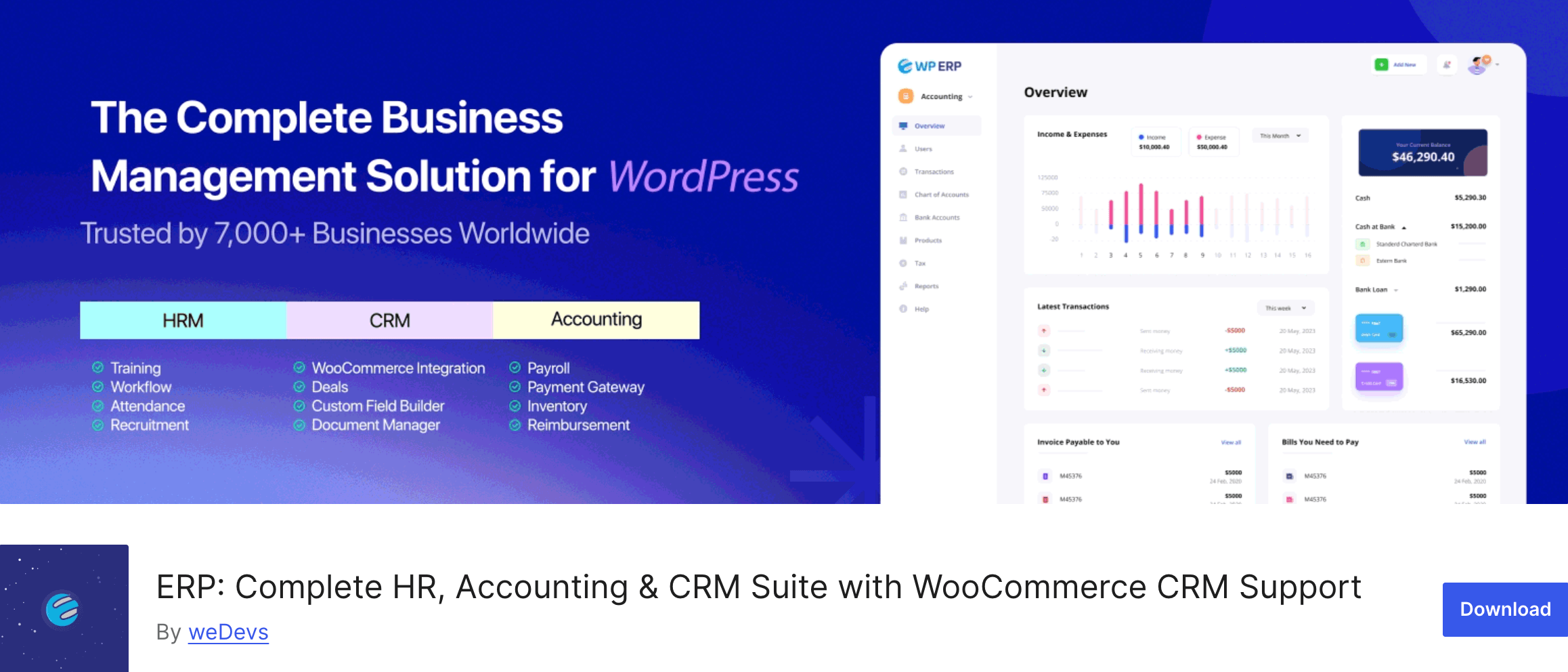
If you ask me what the best WordPress ERP plugin is in 2026, my answer is WP ERP. And I’m saying that after spending real time inside the dashboards of every alternative I could find.
What Is WP ERP?
WP ERP is the only complete WordPress ERP plugin that brings HR, CRM, and accounting together in a single install. It’s built by weDevs, the team behind Dokan and WP Project Manager, and it’s been actively maintained since 2016. As of 2026, it powers over 6,000 businesses across 160+ countries.
What sets it apart isn’t just that it has three modules. It’s that the three modules actually work together. When you run payroll in the HR module, the entries auto-record into your accounting ledger. When you sync WooCommerce customers, they flow into both the CRM and the accounting module. There’s no double entry, no manual reconciliation, no exporting CSVs between platforms.
Key Features
The free core ships with everything below. No user limits, no time bombs:
HR Module:
- Detailed employee profiles with multiple locations and departments
- Attendance and leave management with custom policies
- Company-wide announcements and birthday reminders
- HR reports (headcount, gender, age, salary history, years of service)
- Self-service dashboard for employees
CRM Module:
- Contacts with life stages (subscriber, lead, opportunity, customer)
- Contact groups, smart filtering, and saved search conditions
- Schedule meetings, calls, and tasks from contact profiles
- Activity logs and customer notes
- Built-in WooCommerce customer sync
Accounting Module:
- Real-time financial dashboard
- Invoice creation with PDF and email
- Expense and bill tracking
- 44+ currency support
- Trial balance, ledger, income statement, balance sheet
- Unlimited bank accounts with visual graphs
- Tax management with rates, zones, and categories
Premium extensions are where it gets really interesting. There are 20+ add-ons available, and you only pay for the ones you use. Payroll, Advanced Leave Management, Recruitment, Deals (visual sales pipeline), WooCommerce Integration, Inventory, Payment Gateway, and more.
What I Liked
After spinning up WP ERP on a test site and using it for a few weeks, here’s what stood out:
The free version is actually usable. I’ve seen plenty of “free” plugins that lock the basics behind a paywall. WP ERP doesn’t. You can run real HR, CRM, and accounting workflows on the free core without ever paying a dollar.
The modules talk to each other. This is the bit I keep coming back to. When I created an invoice for a CRM contact, it showed up in the accounting reports. When I marked a vendor payment as complete, the accounting ledger updated. This is what an ERP is supposed to do, and weirdly, most “ERP” tools for WordPress don’t.
Self-hosted data sovereignty. Everything lives on your server. If you’ve ever had a SaaS vendor change their pricing or get acquired, you know why this matters.
WooCommerce native sync. If you run a WooCommerce store, this alone is worth the install. Customer data, orders, and accounting entries flow between WooCommerce and WP ERP without any third-party Zapier setup.
Modular pricing. You can enable or disable any module. You can buy a single $2.49 extension if that’s all you need. You’re not forced into an enterprise plan to unlock one feature.
Where It Could Improve
I’m going to be straight about the rough edges, because pretending a product is perfect doesn’t help anyone.
The setup has a learning curve. WP ERP is a deep product. The first 30 minutes of configuration aren’t trivial, especially if you’re new to ERP software in general. The documentation is solid but the video tutorials could be more current.
Accounting and CRM are admin-only at the moment. The HR module has a Frontend extension that lets employees access their dashboards without WordPress admin access. Accounting and CRM don’t have that yet. If you want non-admin staff to interact with invoices or contacts directly, that’s a workflow gap.
None of these are dealbreakers for me, but they’re worth knowing before you buy.
Pricing
- Free core: completely free, all three modules, no user limits
- WP ERP Pro: $9.99/month plus $3.00 per active user
- Extensions: à-la-carte, from $2.49/month
- Refund policy: 14-day money-back guarantee
For a small team of 10 people using Pro plus payroll, you’re looking at around $50 to $60 a month. Compare that to paying separately for BambooHR, HubSpot, and QuickBooks, which would easily run $200+ a month for the same team size.
Who It’s For
WP ERP is the right call if you’re a small to mid-sized business (under 200 employees) running WordPress and you want to consolidate HR, CRM, and accounting into one tool. It’s especially strong if you also run WooCommerce, because the sync is best in class.
It’s not the right call if you’re a Fortune 500 looking for enterprise ERP. For that, you’re looking at NetSuite or SAP, and you’ll pay accordingly.
2. Jetpack CRM: Best for CRM-Only Needs
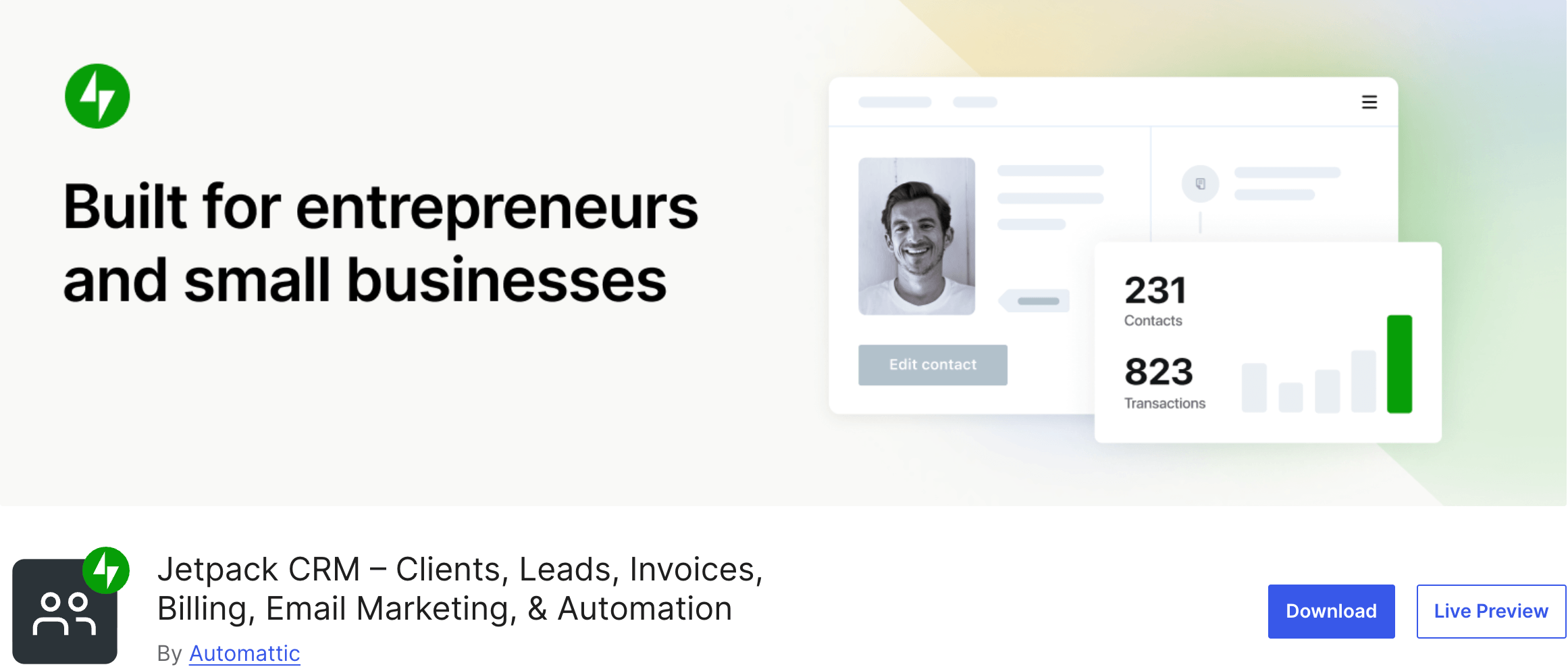
Jetpack CRM (formerly Zero BS CRM) is owned by Automattic, the company behind WordPress.com itself. It’s a clean, focused CRM plugin that lives inside your WordPress dashboard. I ran it on a test site for a couple of weeks to see how it compared.
What Is Jetpack CRM?
Jetpack CRM is a customer relationship management plugin for WordPress. The keyword is “customer relationship management.” It is not an ERP. It doesn’t do HR, it doesn’t do accounting beyond basic invoicing, and it doesn’t try to.
That’s not a knock. It’s just important to be clear about what you’re buying.
Key Features
- Contact and company management
- Quote and invoice creation
- Client portal for customers to view their records
- WooCommerce sync
- Form integrations (Gravity Forms, Contact Form 7, others)
- Extensions for segmentation, automation, and reporting
What I Liked
The interface is clean. Genuinely clean. Adding a contact and connecting a form took me about 10 minutes from install. The client portal is a nice touch that not every CRM offers. And because Automattic owns it, you can trust that it’s not going to disappear tomorrow.
The free version is solid for solo operators. If you’re a freelancer who needs to track 50 clients and send invoices, Jetpack CRM is probably enough on its own.
Where It Falls Short
Here’s the thing. Jetpack CRM is a good CRM. But it’s not an ERP.
No HR module. If you have employees, you need a separate tool. That’s another subscription, another login, another tab.
Accounting is basic. You can send invoices and log payments. You cannot run a real balance sheet, manage vendor bills, track expenses with proper categorization, or generate the kind of financial reports a small business actually needs at tax time. For that, you’d need QuickBooks or Xero alongside.
Extensions stack up fast. Each useful add-on is a separate purchase. By the time you’ve bought what you need, you’re often paying more than a comparable WP ERP setup that does more.
No WooCommerce accounting sync. It syncs customer data, but the order and revenue data doesn’t flow into a proper accounting ledger because there isn’t one.
If your only need is CRM, Jetpack works. If you also need HR or real accounting, you’re going to end up buying two or three additional tools, which is exactly the problem this article is trying to solve.
Pricing
- Free core: available
- Entrepreneur bundle: around $17/month billed annually
- Individual extensions: $11 to $129 each
Who It’s For
Solo freelancers, consultants, and very small service businesses that need contact management and invoicing and nothing else.
3. WP-HR Manager: Best for HR-Only Needs
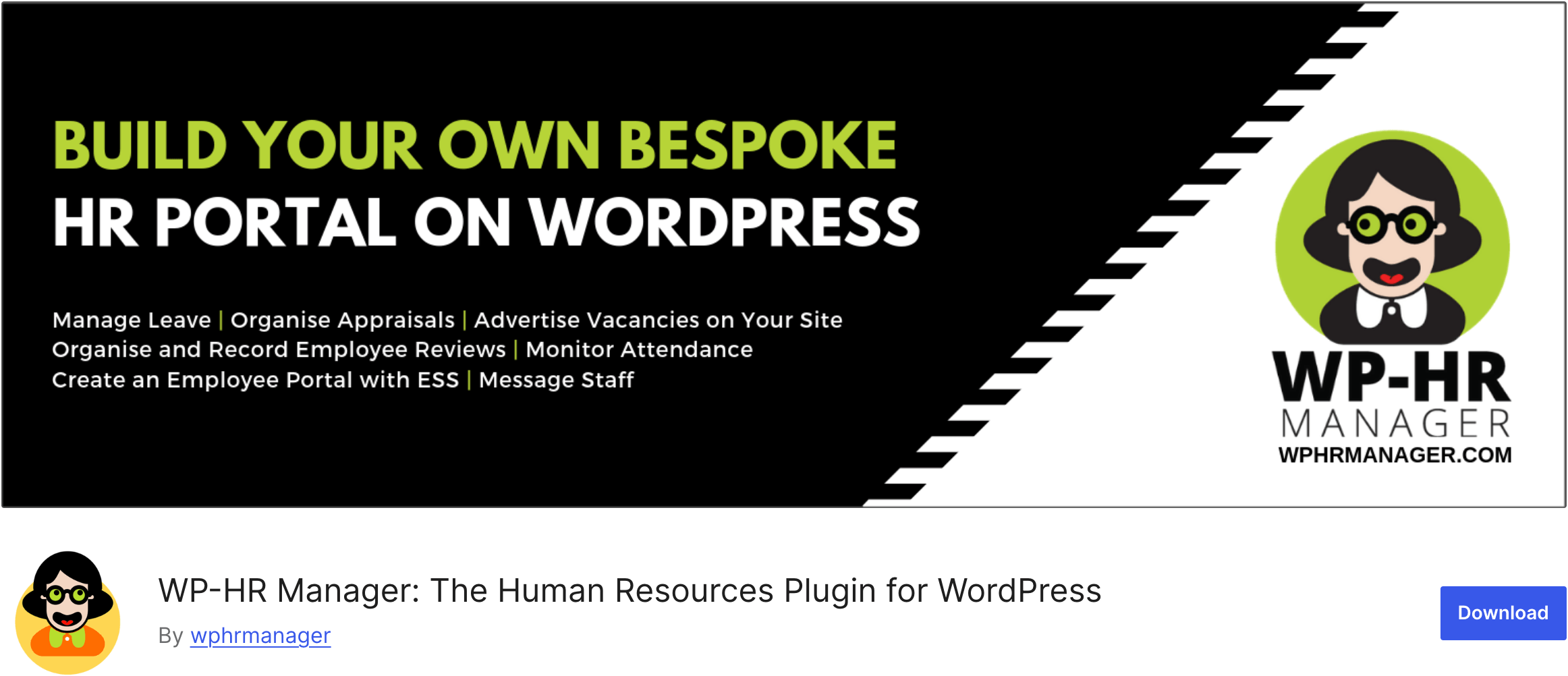
WP-HR Manager is a lightweight WordPress HR management plugin. I included it because it’s one of the more frequently mentioned “HR for WordPress” options and I wanted to give you a real comparison rather than a softball one.
What Is WP-HR Manager?
WP-HR Manager is a focused HR plugin. It handles attendance, leave, employee profiles, and basic team management from inside the WordPress dashboard. It’s GDPR compliant out of the box and offers an employee self-service portal.
Key Features
- Employee profile management
- Attendance tracking
- Leave tracking and approval
- Employee self-service portal
- GDPR compliance features
- Team communication tools
What I Liked
It’s simple. If you’ve never used HR software before, the WP-HR Manager dashboard isn’t intimidating. The setup is fast. The employee self-service portal is useful for teams that don’t want everyone logging into the WP admin.
The free version supports unlimited employees, which is genuinely useful.
Where It Falls Short
Again, same pattern as Jetpack CRM. It’s a focused tool that does one thing.
No CRM. You’ll need a separate plugin or SaaS for customer management.
No accounting. Payroll, expenses, invoices, tax. None of it. You’ll need QuickBooks or similar, and then you’ll be doing manual data entry to connect them.
Smaller user base. WPHRM has a smaller community and slower release cycle than the bigger players. That’s not a dealbreaker but it’s worth factoring in.
No native WooCommerce sync. Not really relevant to HR, but if you wanted any kind of cross-tool data flow, you’d be building it yourself.
Pricing
Free core available, with paid add-ons for advanced features.
Who It’s For
Businesses that already have a CRM and accounting system they’re happy with and just want a WordPress-native HR tool to plug in. If you’re shopping for an ERP, this isn’t it.
WordPress ERP Plugins Compared: Which One Wins?
Let me put the three side by side and tell you what I’d actually do in your shoes.
If you need all three (HR + CRM + accounting): WP ERP is the answer. There’s no second place. The other two plugins on this list, combined with a third accounting tool, would cost you more, require more setup, and force you to manage three separate systems that don’t share data.
If you only need CRM: Jetpack CRM is a fine pick. But know that the moment you add an employee or need to file taxes, you’re going to wish you’d started with WP ERP.
If you only need HR: WPHRM does the job. But again, the moment you want to track a customer or send an invoice, you’ll be adding tools.
Here’s the math that convinced me. Three separate tools for a small team (something like BambooHR + HubSpot + QuickBooks) runs around $80 to $150 a month minimum.
WP ERP Pro for the same team, with the modules you’d actually need, comes in around $50 to $70 a month. And everything’s connected, so you’re not paying for the time it takes to manually move data between systems.
That’s why WP ERP wins as the best WordPress ERP plugin. It does what an ERP is supposed to do, which is run your business from one place.
How to Choose the Right WordPress ERP Plugin for Your Business
Quick decision framework. Three questions to ask yourself:
- Do you need one module or all three? If you need HR + CRM + accounting, go straight to WP ERP. If you only need one piece, you can get away with a specialist tool, but plan for the day you outgrow it.
- How much do you care about data sovereignty? If you don’t want your business data sitting on a third-party SaaS server, you want a self-hosted WordPress ERP. WP ERP is the strongest option there.
- Are you running WooCommerce? If yes, WP ERP’s native sync makes this an easy decision. Nothing else integrates as cleanly.
If you answered “all three,” “yes,” and “yes” to those questions, you already know which plugin to install.
FAQ
What is the best WordPress ERP plugin in 2026?
WP ERP is the best WordPress ERP plugin in 2026. It’s the only plugin that delivers HR, CRM, and accounting in a single install, with native WooCommerce sync and a genuinely usable free version.
Is there a free WordPress ERP plugin?
Yes. WP ERP’s free core includes all three modules (HR, CRM, accounting) with no user limits. You can download it from the WordPress.org plugin directory and run a small business on the free version alone if you don’t need premium extensions like Payroll or Advanced Leave Management.
Will a WordPress ERP plugin slow down my site?
A well-built WordPress ERP plugin like WP ERP loads its admin functions separately from your front-end, so visitors to your website don’t experience any slowdown. The admin dashboard does require decent hosting, particularly if you have a large employee or contact database.
Does WP ERP work with WooCommerce?
Yes. WP ERP has a native WooCommerce Integration extension that syncs customers, orders, and revenue data into both the CRM and accounting modules. It’s one of the strongest WooCommerce ERP integrations available for WordPress.
Can I use a WordPress ERP plugin on client sites?
Yes. WP ERP allows usage on client sites, which makes it popular with agencies and freelancers who set up business management systems for their clients.
What’s the difference between a WordPress ERP plugin and a SaaS ERP like NetSuite?
A WordPress ERP plugin is self-hosted, runs on your existing WordPress installation, and costs a fraction of what enterprise SaaS ERPs charge. It targets small to mid-sized businesses. SaaS ERPs like NetSuite or SAP are cloud-based, built for large enterprises, and typically require six-figure annual contracts plus consultant fees.
Does WP ERP require coding knowledge?
No. WP ERP is built for non-technical business owners. The interface is point-and-click, and the setup wizard walks you through the initial configuration. You won’t need a developer to get it running.
Final Verdict: Start With WP ERP
If you’ve made it this far, you already know where I land. WP ERP is the best WordPress ERP plugin in 2026 because it’s the only one that actually behaves like an ERP. HR, CRM, and accounting in one plugin, connected by design, self-hosted on your server, and priced so a real small business can afford it.
The smart move is to start with the free core. Install it on your WordPress site, set up your company profile, add a few employees and a few contacts, and run it for a week. If it feels like it could replace your current stack, then look at Pro and add only the extensions you need.
You’re not locked in. You’re not paying for a year up front. You’re just trying it on your own site and seeing if it solves the five-tabs-open problem the same way it solved mine.