
Getting Started with HR
The HR module of WP ERP keeps your employee records inside your WordPress admin. The HR module is free.
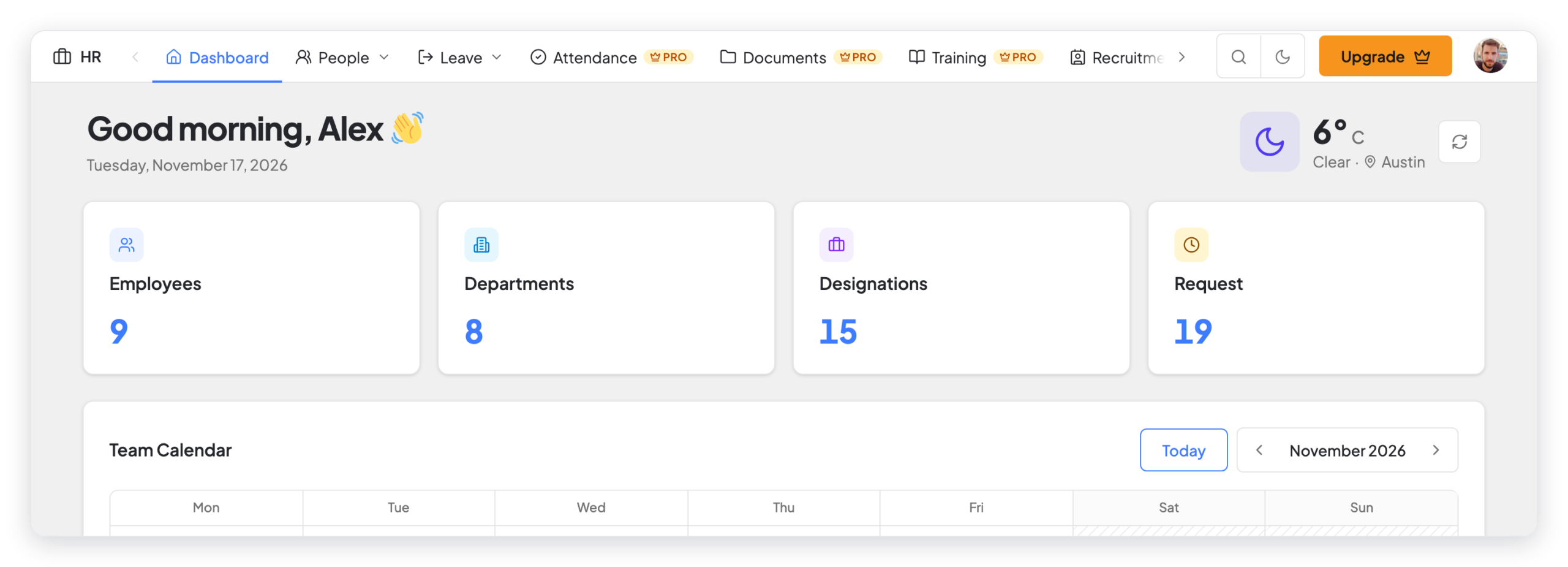
What you can do with the HR module
- Employees: Keep one profile for each employee, with job details, pay, notes, and performance reviews.
- Departments and designations: Put employees into teams and give each employee a job title.
- Leave: Make leave types and leave policies, give leave to employees, and approve or reject leave requests.
- Holidays: Add your company holidays. Leave does not count these days.
- Announcements: Send news to all employees, to one department, or to selected employees.
- Org chart: See who reports to whom in each team.
- Reports: See reports for age, gender, head count, salary history, years of service, and leave.
WP ERP Pro adds more HR features, for example attendance, payroll, recruitment, and documents. In the free version, these items show a PRO badge in the HR menu.