
Leave Management
Leave Management keeps track of the time off of your employees. It controls how many leave days each employee gets, and it records each request and its status.
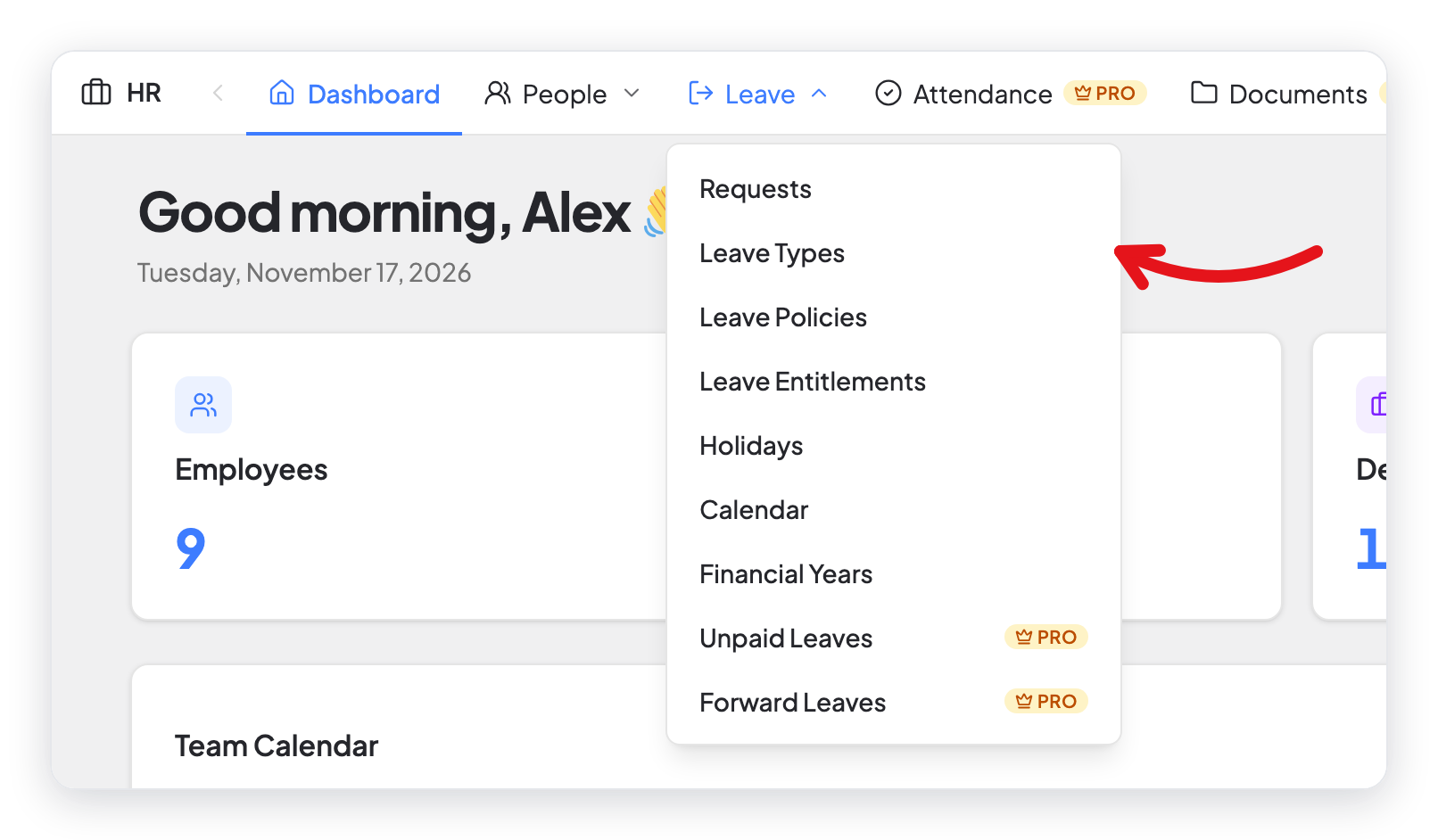
All leave pages are in the Leave menu at the top of WP ERP → HR.
How the parts work together
Set up leave in this order. Each step uses the step before it.
- Financial Years. A financial year is the period that leave days belong to, for example
FY 2026. - Leave Types. A leave type is a kind of leave, for example Sick Leave or Annual Leave.
- Leave Policies. A policy gives a number of days of one leave type for one financial year.
- Leave Entitlements. An entitlement gives the days of a policy to an employee. Employees can request leave only from their entitlements.
- Requests. Employees request leave, and you approve or reject each request.
The Holidays and Calendar pages show the days that the company is closed and the days that employees are on leave.
Articles in this section
- Create Leave Types
- Create a Leave Policy
- Leave Entitlements
- Create a Leave Request
- Manage Leave Requests
- Create and Import Holidays
- Leave Calendar
Pro features in this menu
The Unpaid Leaves and Forward Leaves pages have a PRO label. You need WP ERP Pro to use them.