

Total Inbound Emails
To see the total number of incoming emails that pass through your gateway, navigate to
WP Admin Dashboard → WP ERP → CRM→Overview
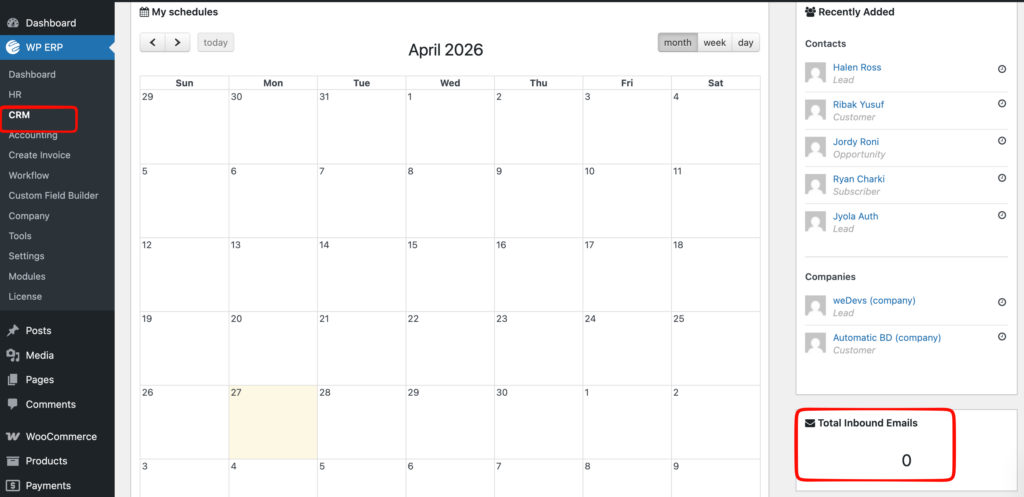
First, you have to add incoming email settings configuration with IMAP/Google Connect.
You have to set up the server for incoming emails, navigating from
WP ERP >> Settings >> Emails >> Email Connect >> IMAP/POP3.
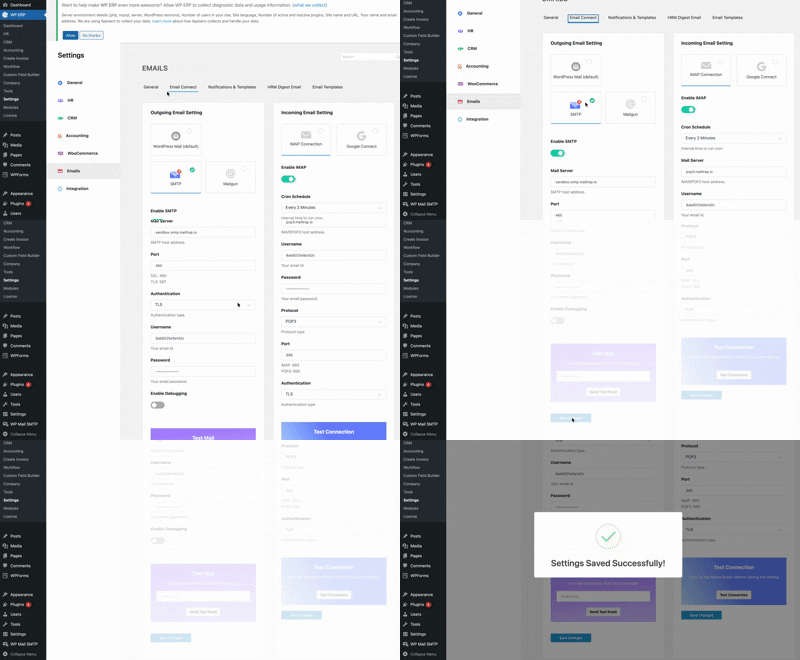
To learn more about how you can set up your Incoming Email settings, you can see our in-depth video tutorial
** This video is outdated**
If you want to learn more about IMAP/POP3 you can also see our blog post from here.