
Leave Calendar
The leave calendar shows who is on leave on each day. It also shows holidays and weekends. Use it to plan work when people are away.
Before you start
- You must be a WordPress administrator or an HR manager.
Step 1: Open the leave calendar
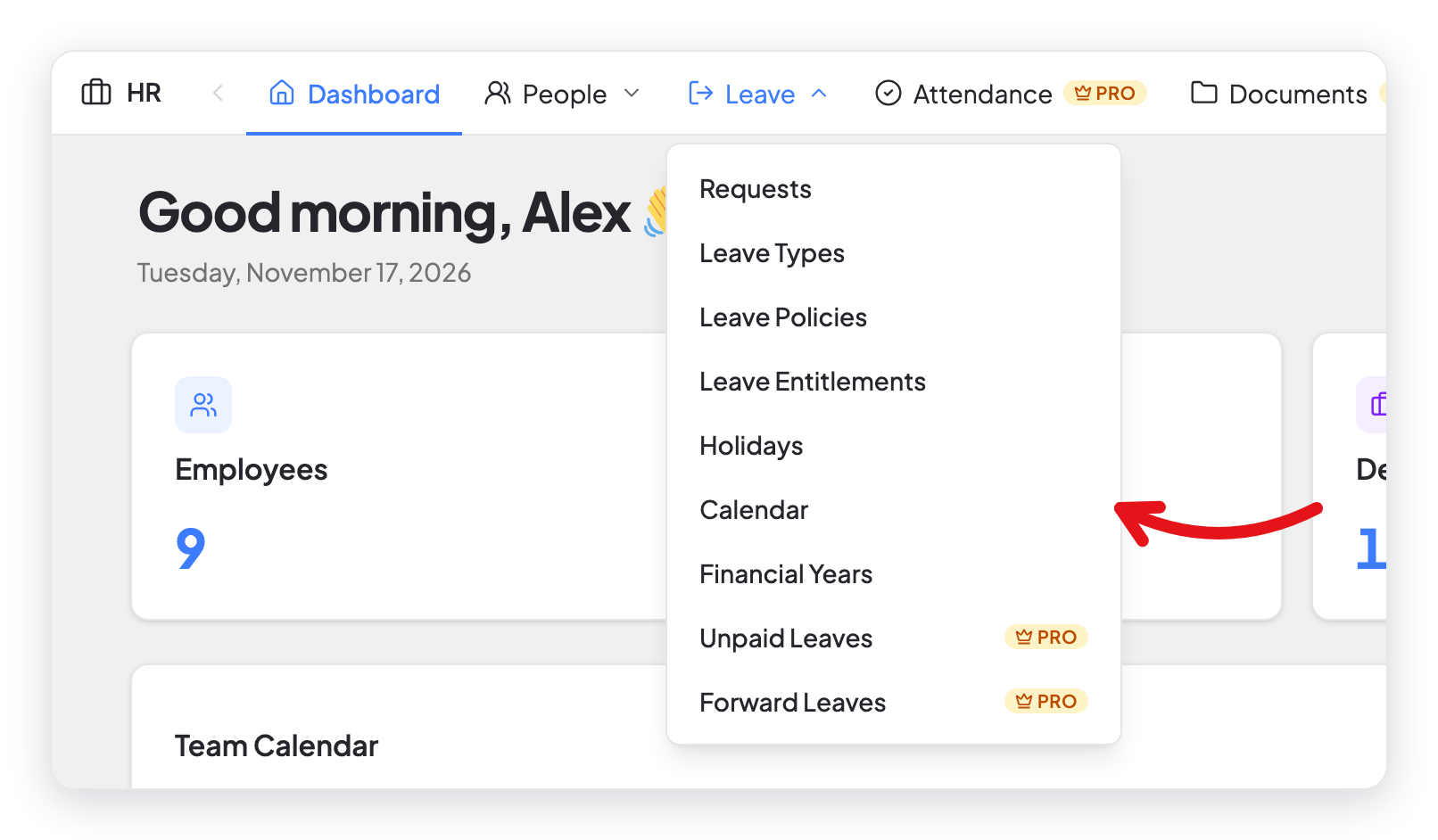
- In your WordPress admin, go to WP ERP → HR.
- In the top menu, open Leave.
- Click Calendar.
Step 2: Choose what to see
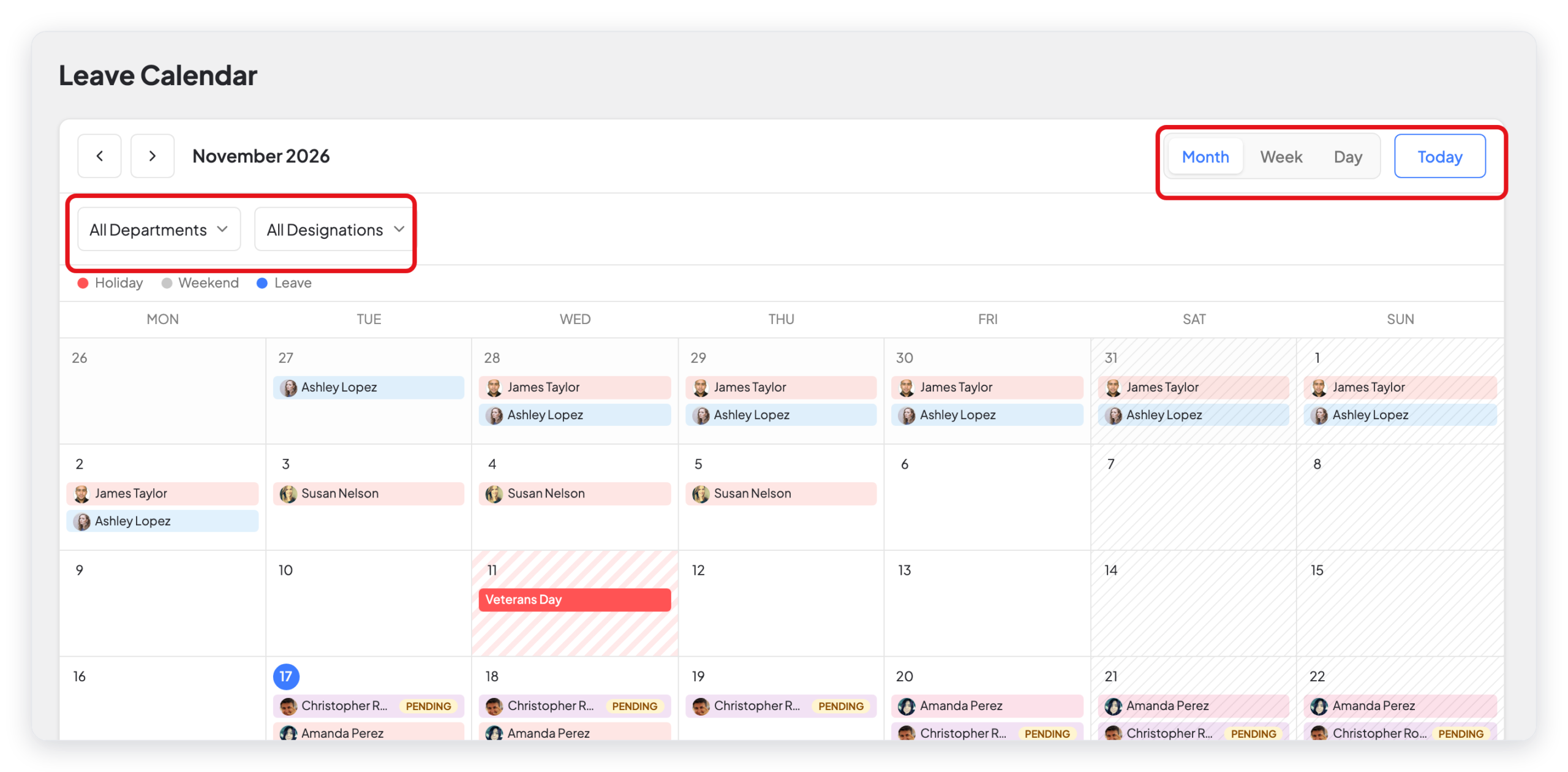
- Click Month, Week, or Day to change the view.
- Click the arrows (‹ and ›) to go to the period before or after.
- Click Today to go back to the current day.
- To see the leave of one team, select a department in All Departments. To see the leave of one job title, select it in All Designations.
How to read the calendar
| What you see | What it means |
|---|---|
| A red bar | A holiday. |
| A gray striped day | A weekend day. |
| A name | An employee is on leave on that day. |
| PENDING next to a name | The request is not approved yet. |
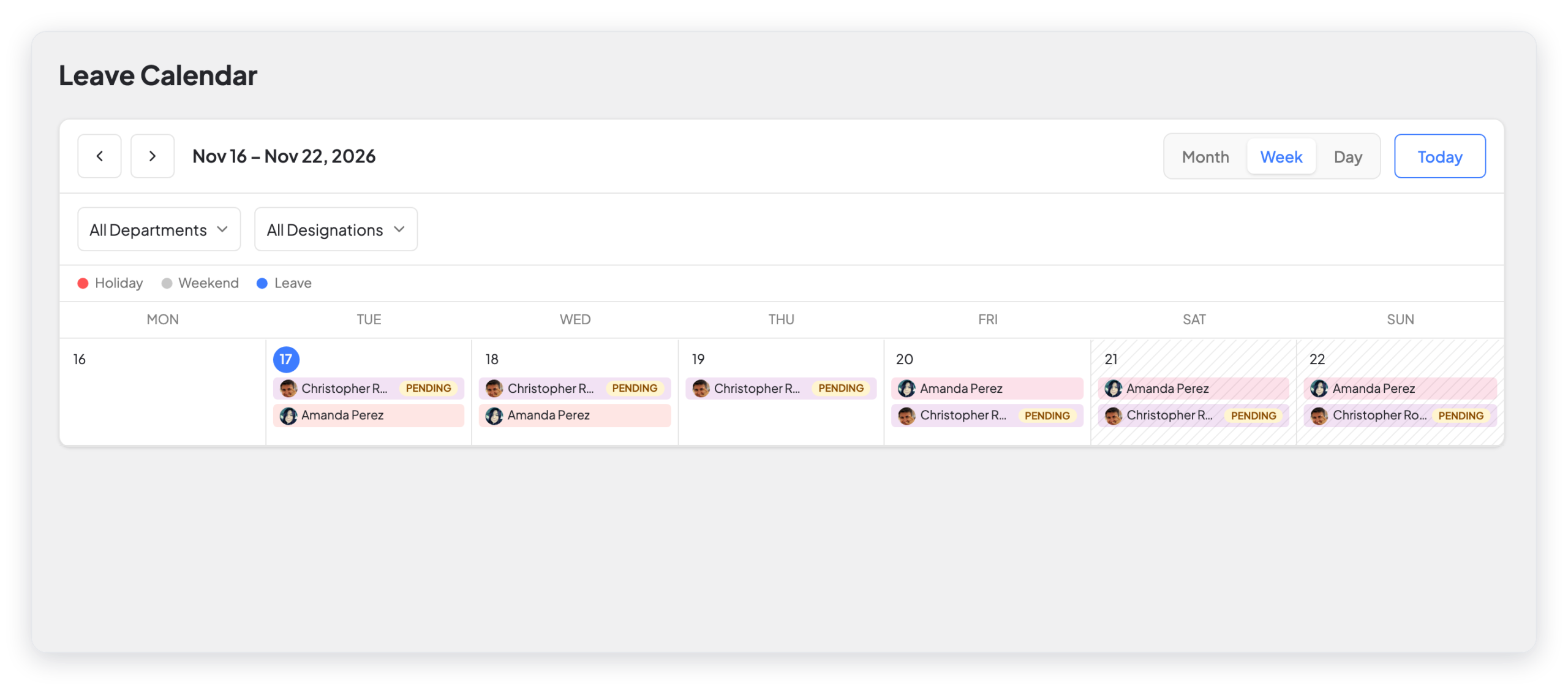
The workdays of your company set the weekend days. See Workdays.