
Years of Service Report
The Years of Service report shows the work anniversary of each employee. It also shows how many full years each employee has worked for your company.
Why use this report
- See how long each employee has worked for your company.
- Find employees who are due for a review, a raise, or a promotion.
- See upcoming work anniversaries so that you can celebrate them.
Before you start
- You must be a WordPress administrator or an HR manager.
- WP ERP uses the Date of Hire on each employee profile.
Open the report
- Go to WP ERP → HR.
- Open Reports, then click Years of Service.
Read the report
The report puts employees in groups by the month of their date of hire, from January to December. In each month:
- The day on the left is the day of the hire date, for example 16th.
- The number after the name is the number of full years of work, for example (1 Year).
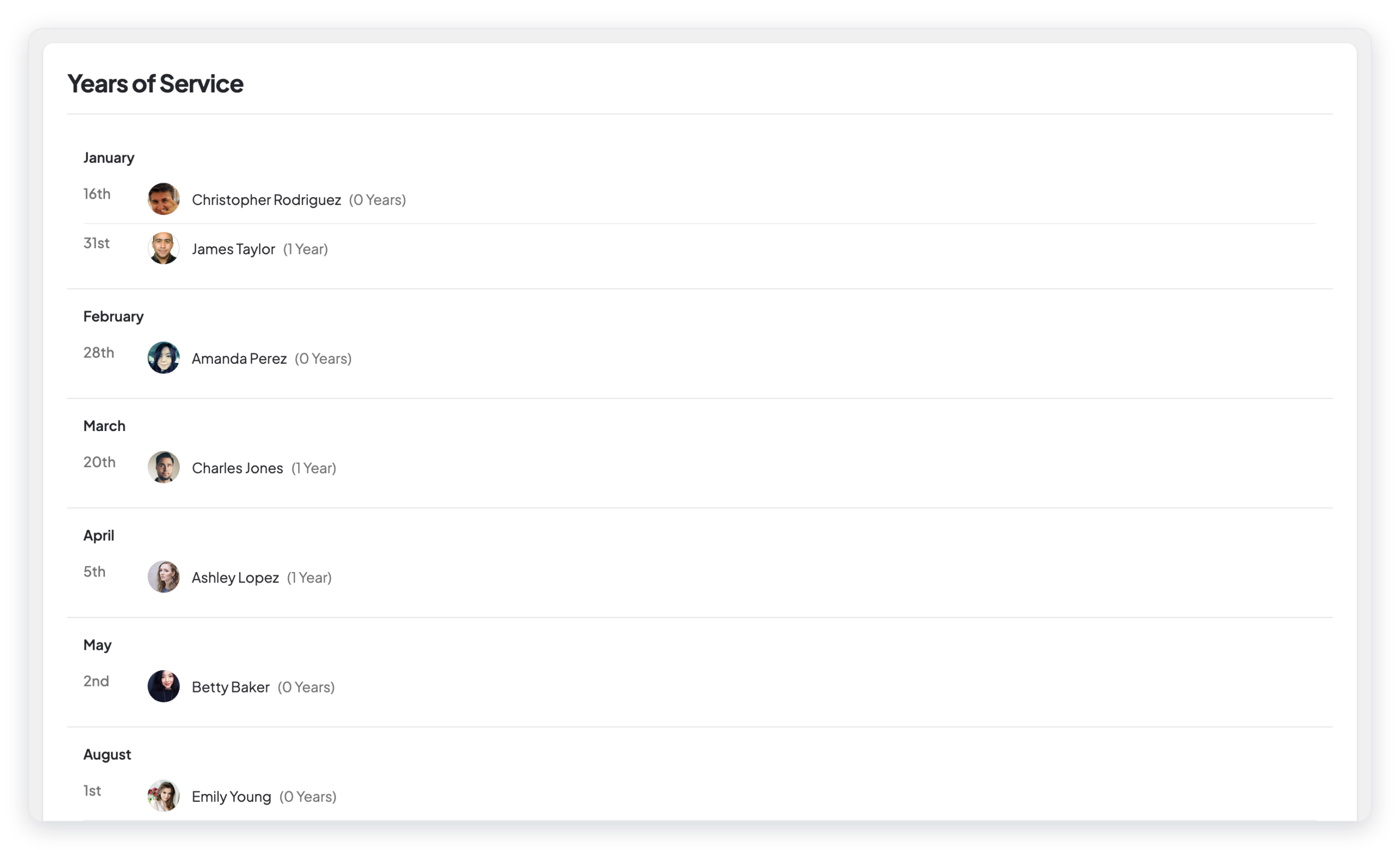
An employee with (0 Years) has worked for less than one full year. A month with no hire dates does not show.