
Payroll
The Payroll extension of WP ERP Pro pays your employees. You set the salary of each employee, make pay calendars, and run payroll for each period. Each approved pay run goes to the Accounting module as an expense.
In WP ERP 2.0, Payroll is part of the HR module. The full Payroll guide is in the HR docs.
Open Payroll
- In your WordPress admin, go to WP ERP → HR.
- In the top menu, click Payroll.
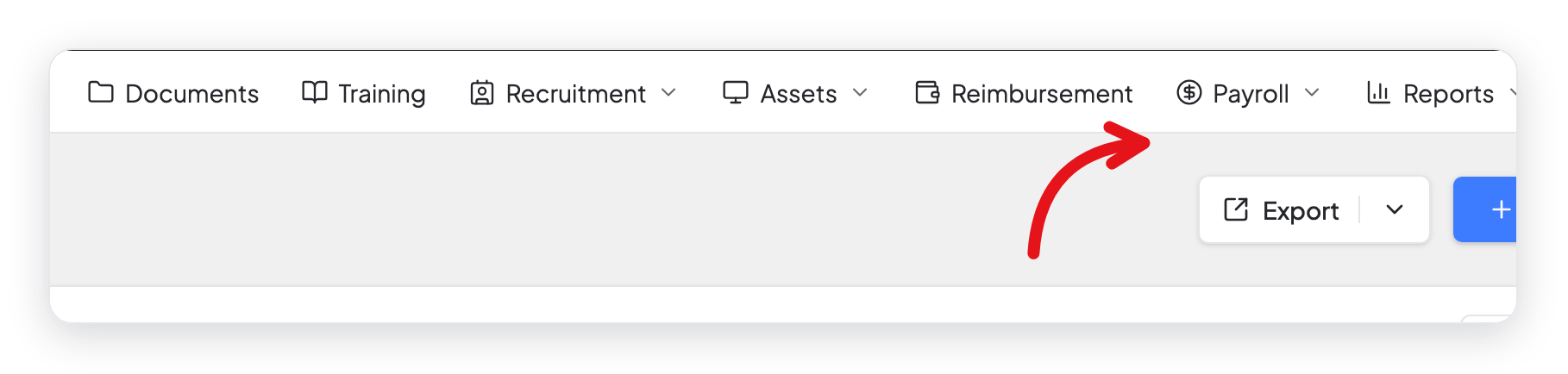
Payroll needs the HR module and the Accounting module. Both must be on.
The Payroll guide
| Task | Doc |
|---|---|
| Learn how payroll works and set the payment method | Payroll |
| Set the salary, allowances, and deductions of an employee | Set the Pay Details of an Employee |
| Make pay items such as allowances, deductions, and taxes | Pay Components |
| Group employees who are paid on the same schedule | Pay Calendars |
| Make, approve, and copy a pay run | Run Payroll |
| Send payslips and get payroll reports | Payslips and Payroll Reports |
What changed in 2.0
- Payroll has its own page in the HR top menu, with six tabs: Dashboard, Payruns, Pay Calendars, Pay Components, Reports, and Settings.
- The Payroll settings are on the Settings tab of the Payroll page. The old page, WP ERP → Settings → HR → More → Payroll, saves the same payment method.
- The salary of an employee is on the Payroll tab, in the menu on the left side of the employee profile.
- You do not set account heads any more. Only the payment method is necessary.